
Alexander Grabovetskiy, woodcarver, School of Woodcarving · Published 2018
How should you photograph a wood carving?
Quick answer: Photographing a wood carving is mostly a matter of light. Lights from both sides hide the shadow, and overhead light dulls the carving, so switch one lamp off and let the other come in low from one side, like a window. Then save it as a png or jpg and shrink it with TinyPNG.
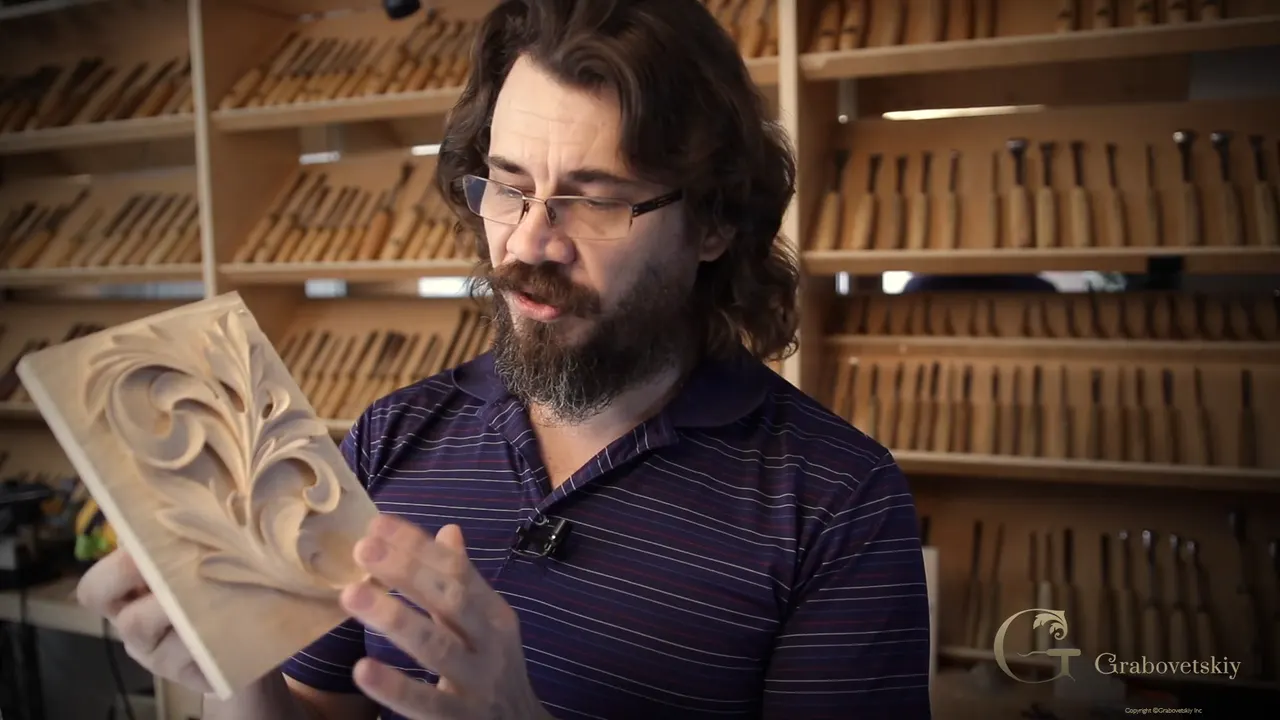
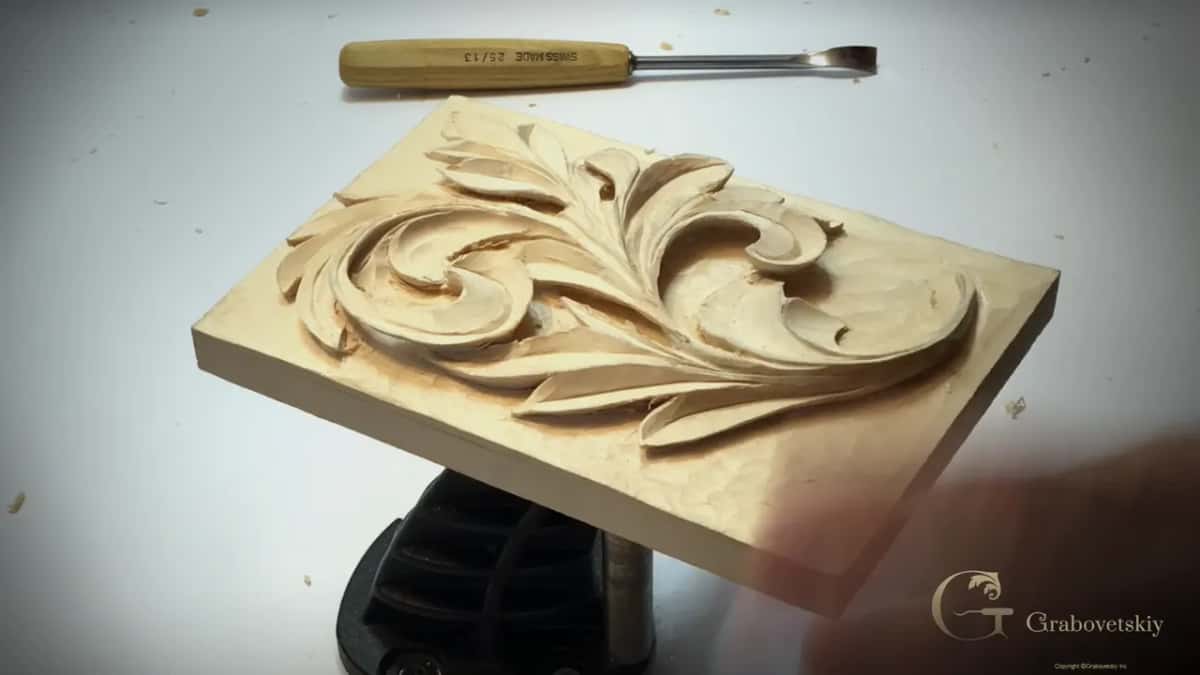
Photographing a wood carving is mostly about the light, and when I want the camera to see a shadow, I turn one of my two lights off. With both lights on, the shadow stays hidden. Take one away and it shows up, and you can tell how deep it goes.
Does your carving look different in the evening than at noon? Does it change as you turn it? Then you know why the light comes first, so set it before you pick up the phone.
What this last page of the course asks for is short, and you'll get it word for word in a minute. Most of what follows is about light, the lamps I use and where I put them, and what I've said about pictures in my other courses.
The picture for this assessment, in a few lines
- One course-related picture, jpg or png. Do not use zip.
- Run it through TinyPNG for a size reduction first.
- Have it ready before you open the page. You get one chance there, and the button disappears once you have sent it and left.
- I review it and certify you on the progress you show.
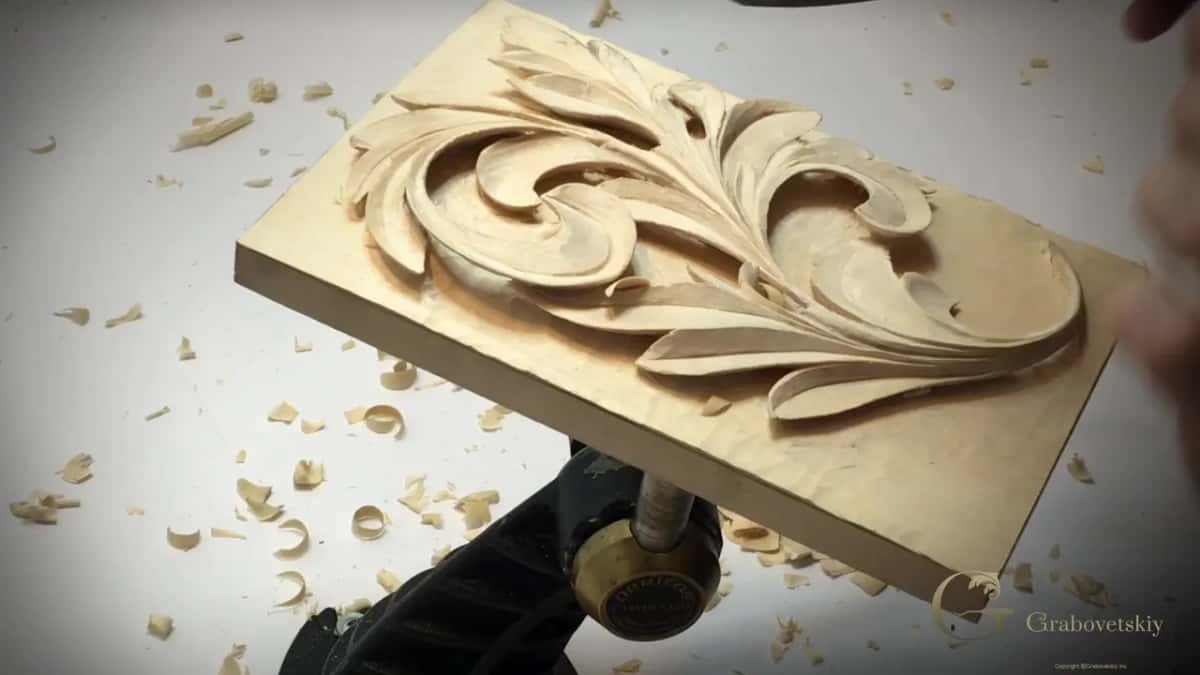
- On camera, one light switched off shows the shadow that two lights hide.
- Overhead light is the one I don't like. It dulls a carving.
What do you need to photograph a wood carving for this certificate?
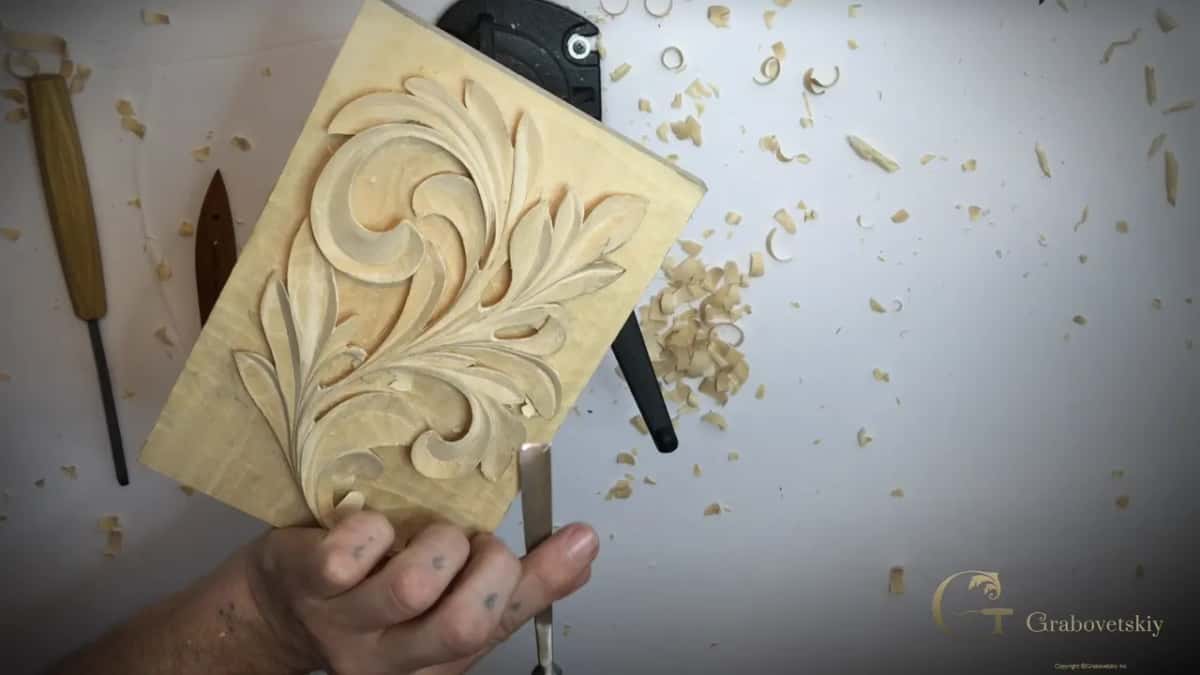
One picture of your work from this course, saved as a jpg or a png, and nothing packed in a zip.
The assessment page says it in a few lines. If you would like a certificate for completing the course, upload a course-related picture. Use jpg or png only. Run a size reduction on TinyPNG before uploading, and make sure the picture is ready, because you will have only one chance while you are on that page, and the button will disappear after you upload and leave it.
Then I review it, and based on your progress I certify you. That's the whole of it.
When the flower rosette course ended, I said the same thing out loud. Make pictures of your progress, of your work, and upload those pictures with the button. I take a look, I evaluate whatever progress you've made, and I give you a certification of completion for the course.
The reason for the smaller file is on the last page of the Grinling Gibbons course from Maine.
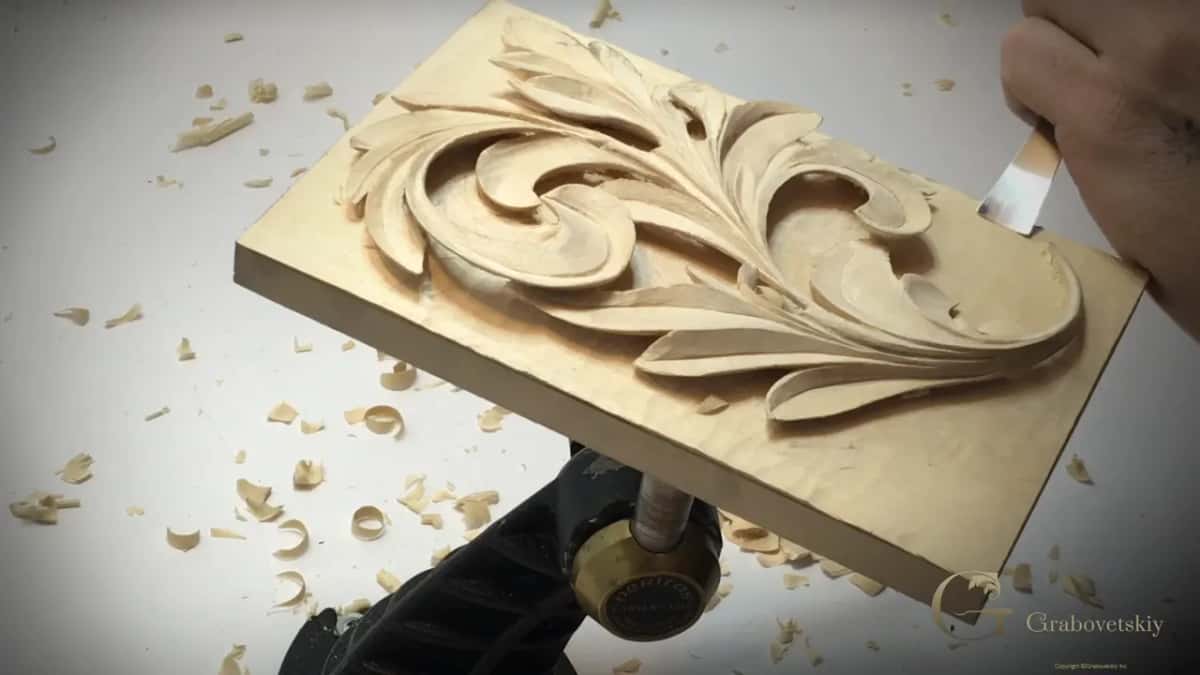
Why turn one light off before you take the picture?
With lights on both sides the shadow hides, and with one of them off it shows. Working on the main bouquet of the furniture panel, I had the lights from two sides, and I told you that if I turn one of them off, you will see a shadow.
Workshop 48 of the Venice Room went the same way. I was after really extreme shadows, and you couldn't see them yet, I said, but with one of the lights off you would. See how deep a shadow that gives me? Just what I'm after, and without it the piece would not be as three-dimensional.
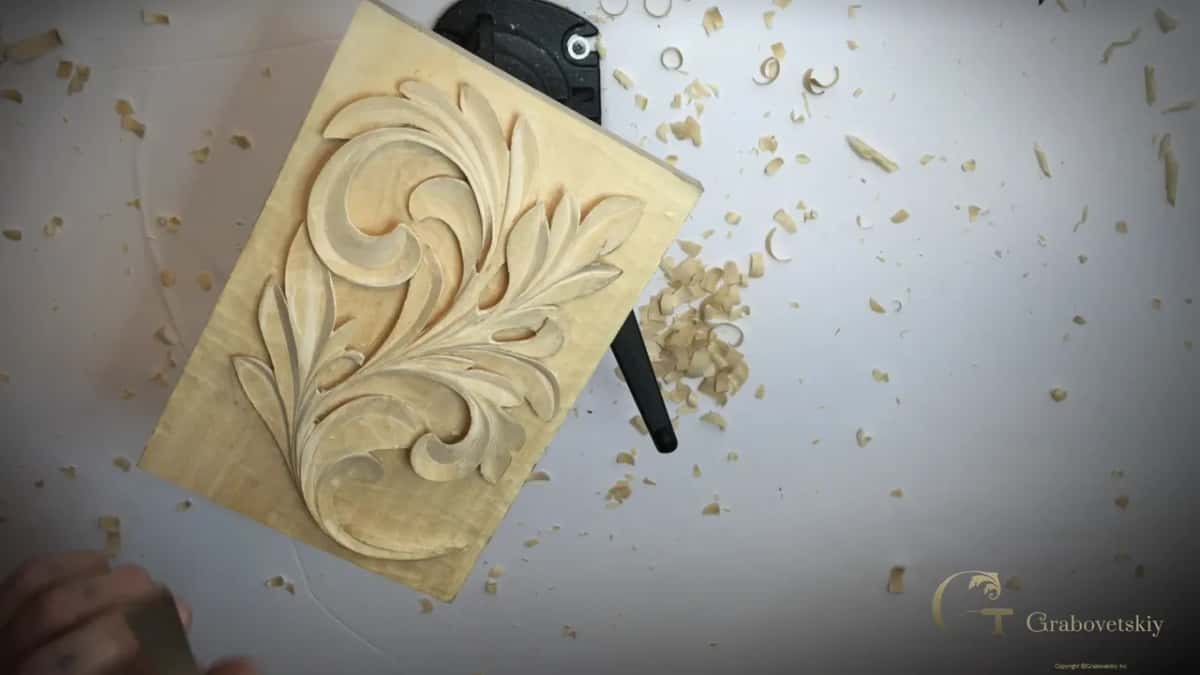
Lesson 5 of the modern acanthus course got its shadow from the concaves and convexes, and I switched the lights off so you could see that dark shadow much better. Three lessons later, in lesson 8, I asked you straight out. Can you catch that on the camera? Maybe I just turn the lights off. Is it better?
During the last lesson of the Roman acanthus course, I switched one light off to see how the leaf casts a shadow in more natural lighting, and then I switched the other one off as well. A different look again, on the same panel.
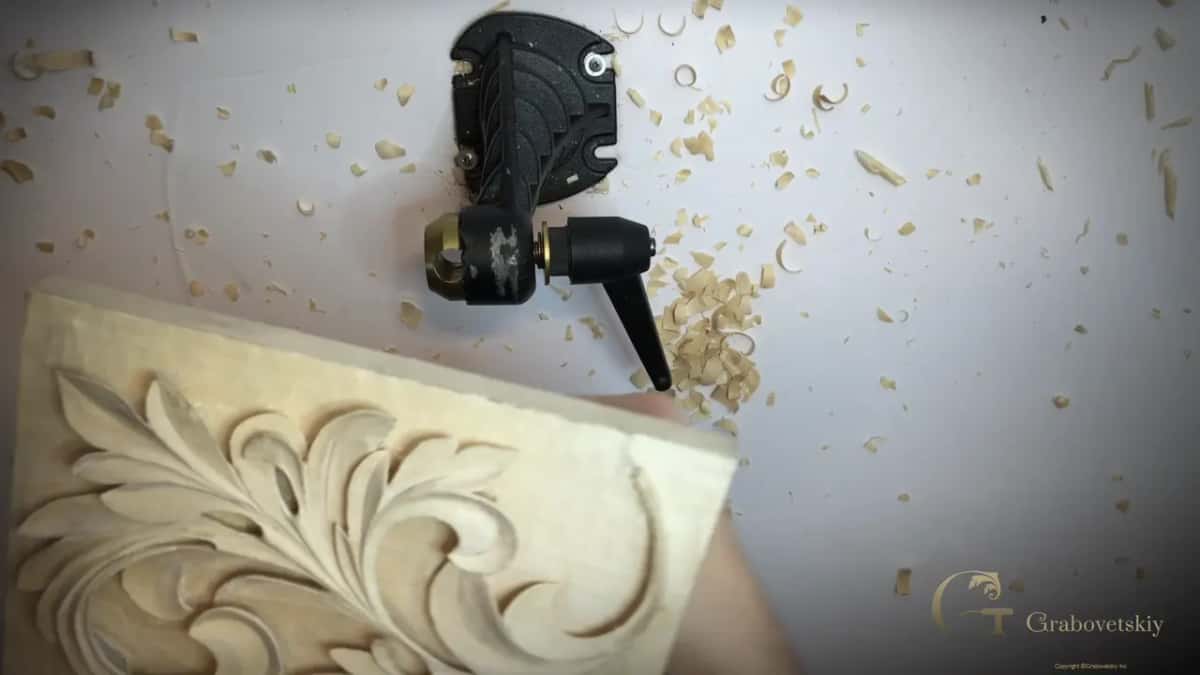
Where should the lamp sit for a picture of a carved panel?
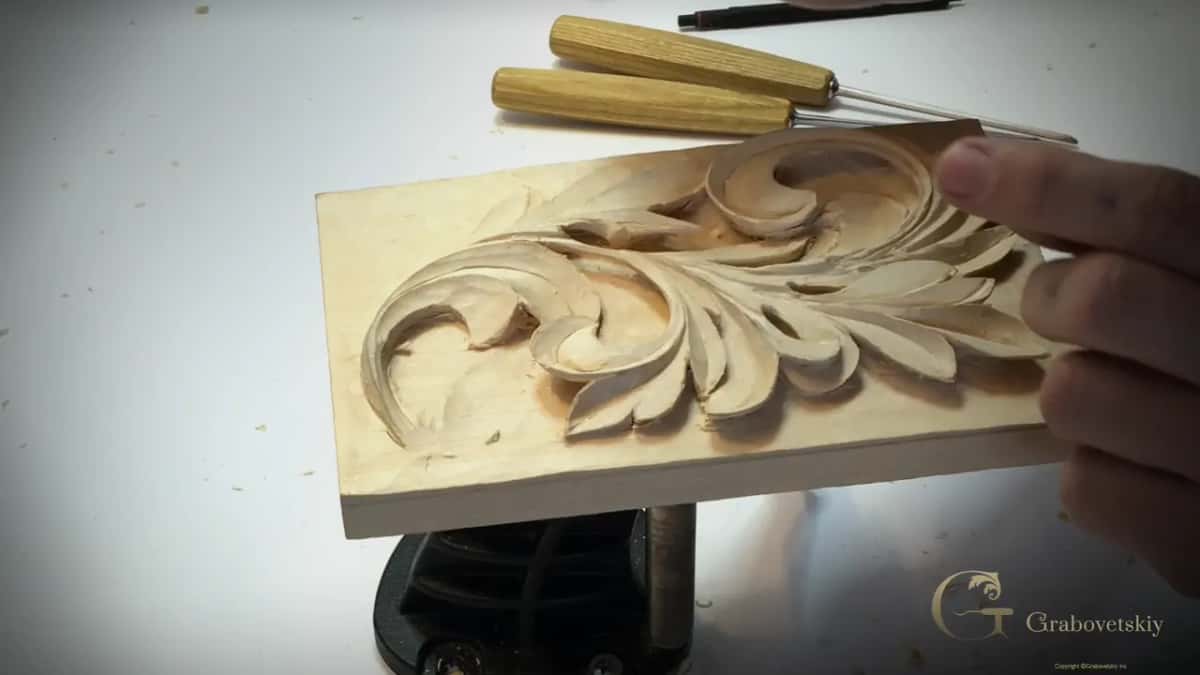
Low and to one side, the way light comes in from a window. Back in the Roman acanthus course, lesson 8, I took a tiny gouge to the small details along the sides of the pipes and said you could probably see the shadow even on the camera, although both of my lights were on. Think of one side light, like from the window or any other source, I said, and that's going to create beautiful shadow lines.
Somebody asked me about my lighting setup in an April 2020 livestream. I use two magnifier lamps, and those are LED. I can put them at any point on my workbench and cast any type of shadow I want to check. The worst light, I said, is light from just above, because then you won't see all the facets on your work. I don't like the above light. It just dulls all my carving.
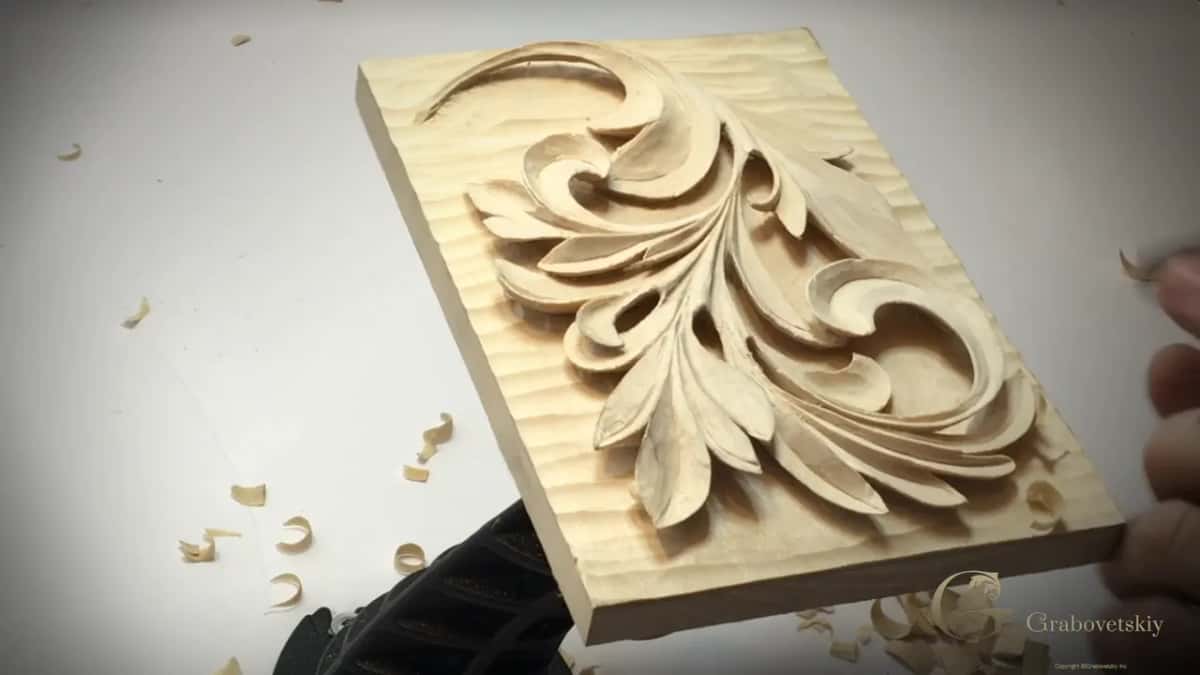
So the best idea is to get at least one light, and two if you can afford them. Mine go as low as I wish, and they stay where I put them. I set them on an angle, one on each side, switch one off, and cast whatever shadow I want.
There is a name for this kind of light. Wikipedia's page on raking light describes it as light from an oblique angle, almost parallel to the surface, and says it shows the relief of what it lights and is widely used to examine works of art.
That last Roman lesson has a small example. I carved one extra notch and said that in the full light you won't catch it, but with the side light, or in the evening, you'll see every little detail.
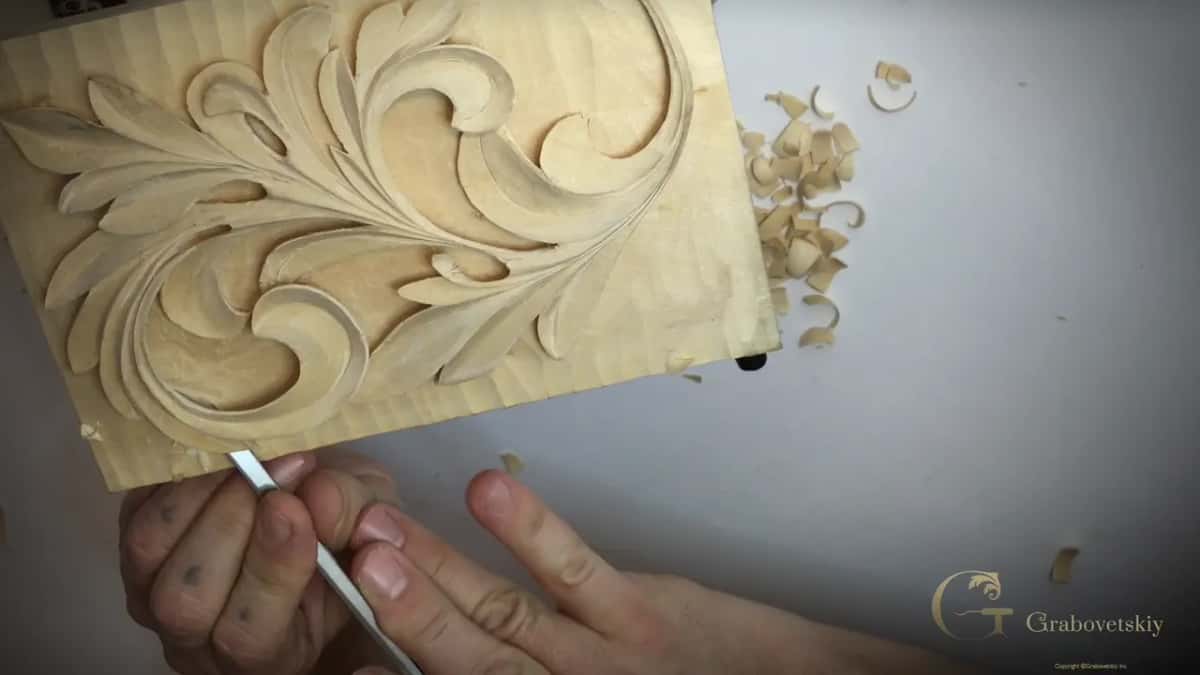
Which light shows what on a carved panel?
These are the lights I talk about on camera across the courses, with my own words on each one.
| Light | What I said about it on camera | Where I said it |
|---|---|---|
| Lights from both sides | you don't see that shadow right now | Venice Room 48 |
| One light turned off | see how deep a shadow that gives me | Venice Room 48 again |
| Light from just above | the worst light, it just dulls all my carving | April 2020 livestream |
| One side light, like a window | that's going to create beautiful shadow lines | Roman acanthus 8 |
| The full light | you're not going to be able to catch it | Roman acanthus 16 |
| Side light or evening | you'll see every little detail, I said | the same Roman lesson |
| A lamp brought really close | that way I can see much better, I said | Greek acanthus 8 |
Only the last row comes from this course. The rest are from my other courses, and from one livestream about lighting a carving bench.
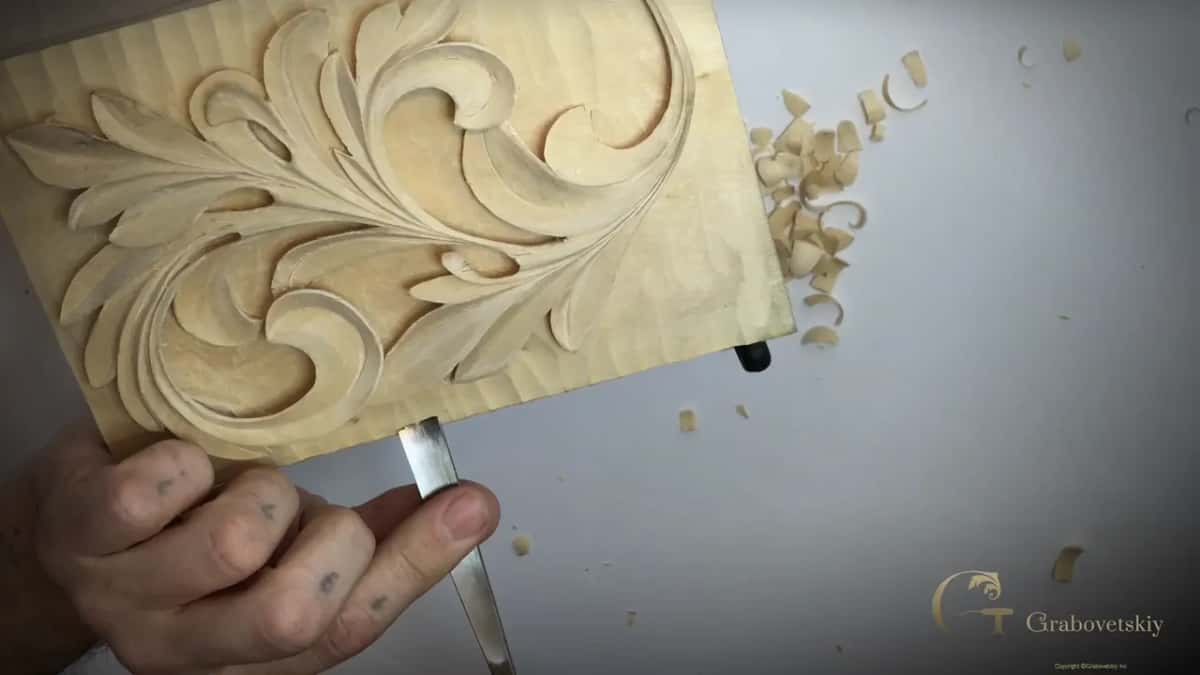
Why does the same carving look different in every light?
The shadow depends on how the light shoots at the piece. My design in lesson 15 of this course goes all the way through in several spots, and I did that on purpose, because it gives you really nice shadow lines. Depending on how the light shoots to the piece, it gives me an absolutely different shadow, and that's what I like about it.
Most of you, I knew in lesson 14, would wonder why I go so deep where nobody will see it. Believe me, I said, in the light it makes a big difference.
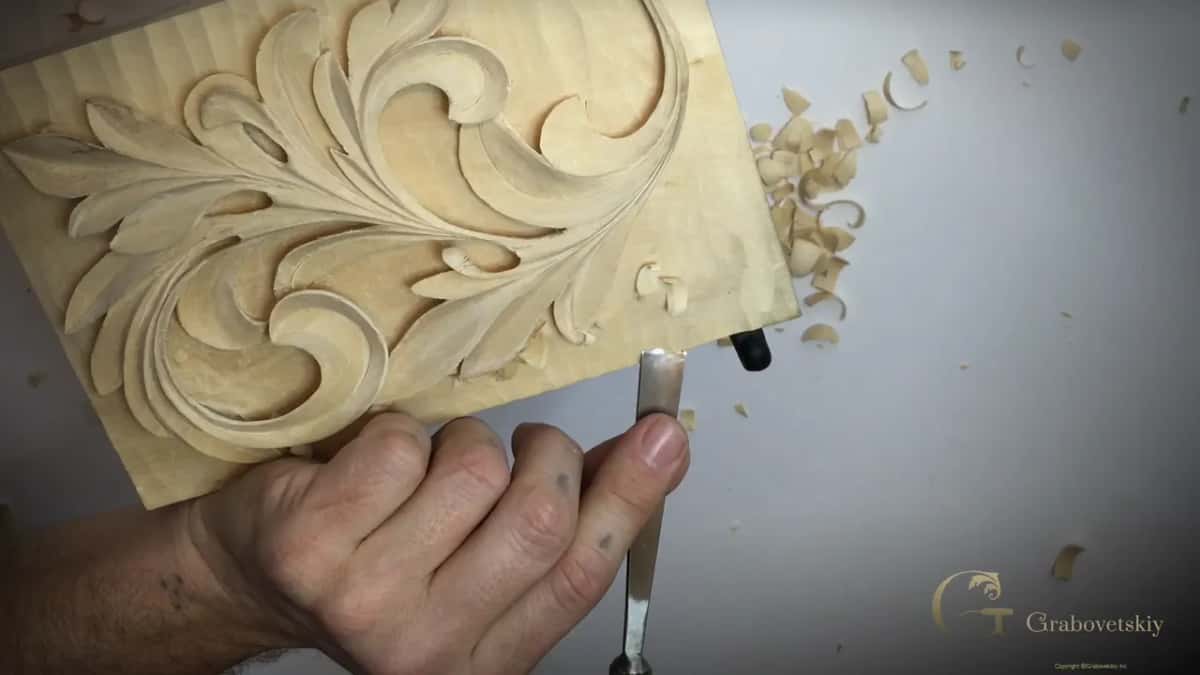
Late in that lesson I went extreme with a back bent number 25, 13 mm (1/2 in). This stage doesn't really need it. I did it anyway, because I really like it, and the shadow and light make a big difference in wood carving.
I said it once more in lesson 15. It's all about the lights and the shadow, and of course the use. On furniture that people touch all the time, my extreme undercutting would be too fragile, but if you frame it and place it on the wall, it's absolutely fine.
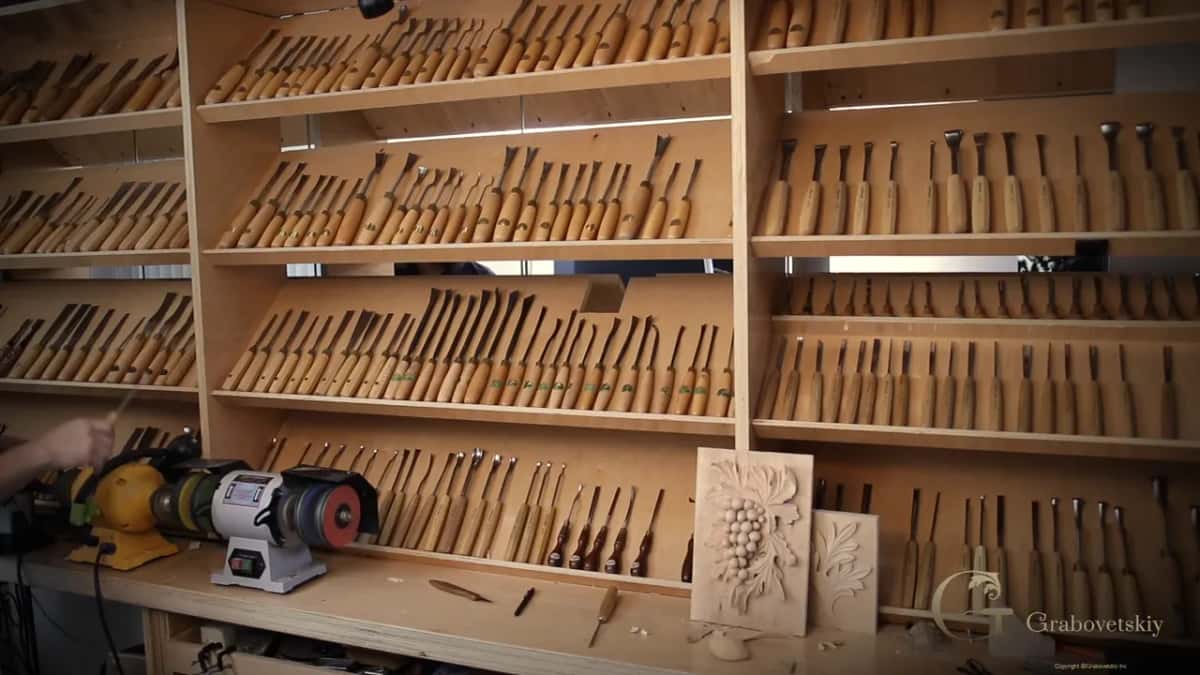
Can the camera show everything you see on the bench?
Not always, and I say so on camera more than once. In lesson 30 of the furniture panel course, I told you that you don't see the shadow I see, and the camera doesn't really show it, but it gives me a beautiful, beautiful shadow.
Lesson 41 of the Hashemi flowers had about half an inch (13 mm) of excavation under one piece. You can't see that on the camera, I said.
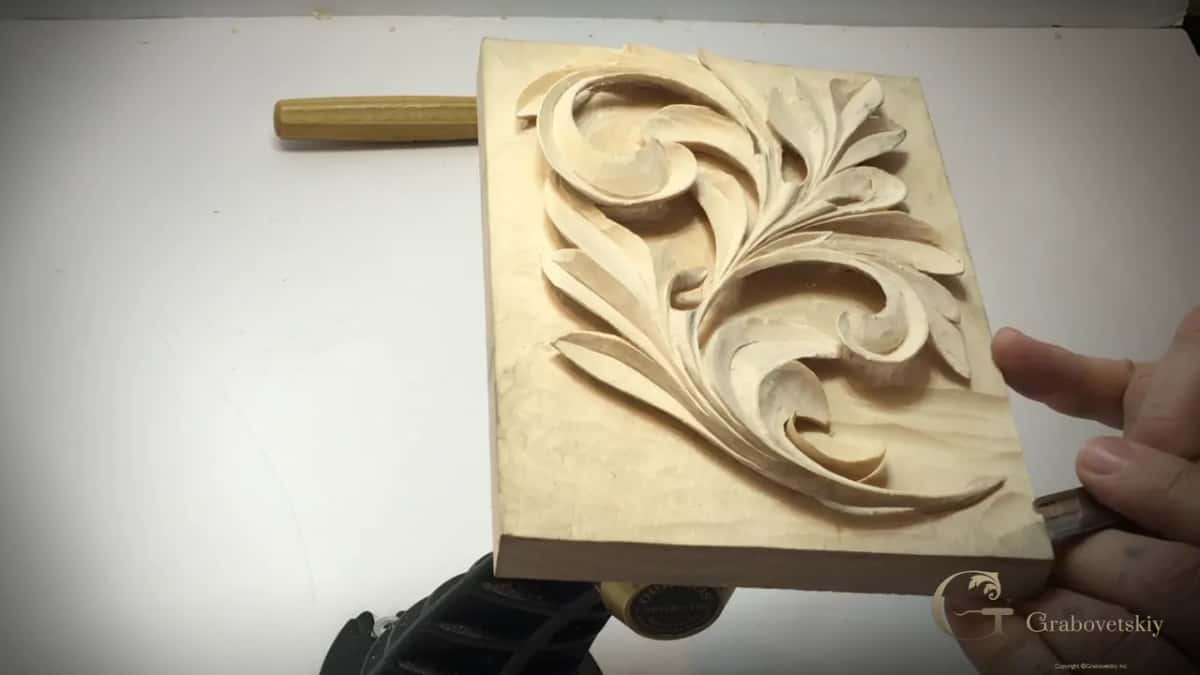
Scale fools you too. On one Venice Room piece, workshop 61, a part runs up a slope onto the ceiling, and the camera position made it look shrunk. It's not the real-life view, I said.
And it works the other way round. In lesson 20 of the same furniture course I said that on a small screen, even on your phone, a tiny spot looks huge, much bigger than it is in real life.
Your own eyes get used to the lights, too. That's why, in lesson 8 of this course, I said I'd reposition my lights and look from different directions, and I encouraged you to do the same, because you see one side of a carving and you don't see the other. With my lamps close in, I said in that livestream, I can see a lot better, almost like you see on the camera.
Should you shoot straight down or from the side?
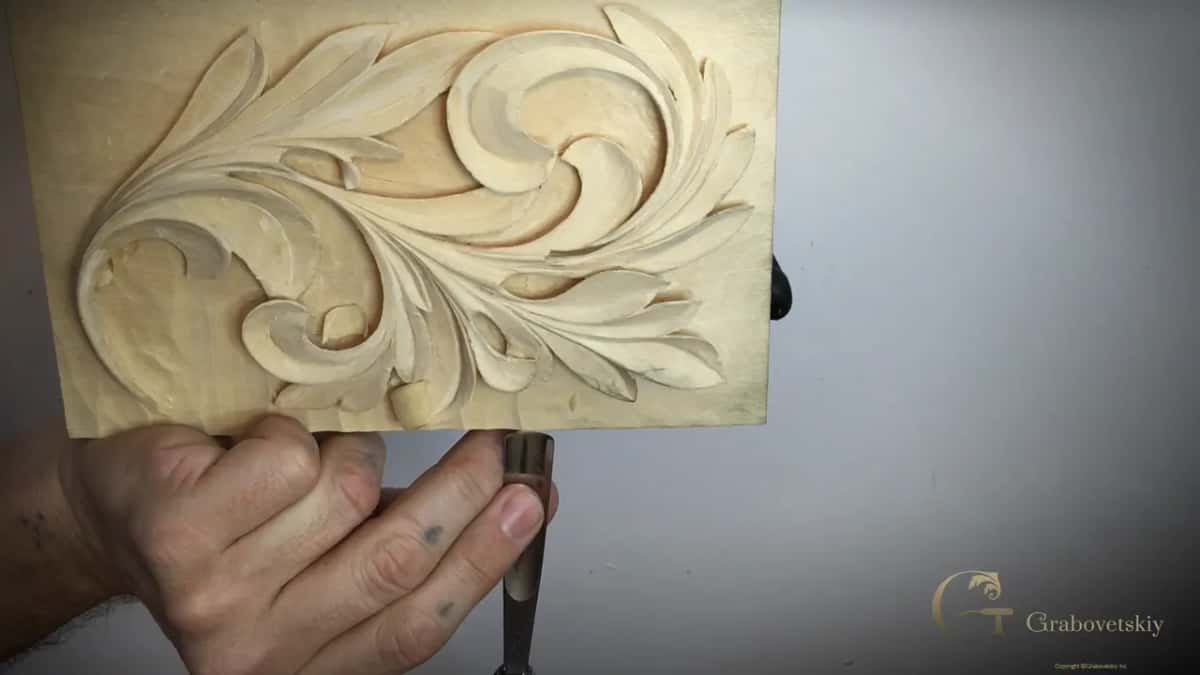
Straight down for a pattern. For the depth, the side matters, and I've said why.
When I photograph a pattern, as I showed in the flower rosette course, I use my phone and take the picture just straight down. A scanning app by Microsoft squares it up, and it does that automatically. Then I email it to myself, or you could use Dropbox, and import it.
But a picture from above has a problem, and I said so in a livestream that same month about clay modeling. Most drawings of an acanthus leaf you find online are taken from above, and you're just looking straight down at them. How is it looking on the side?
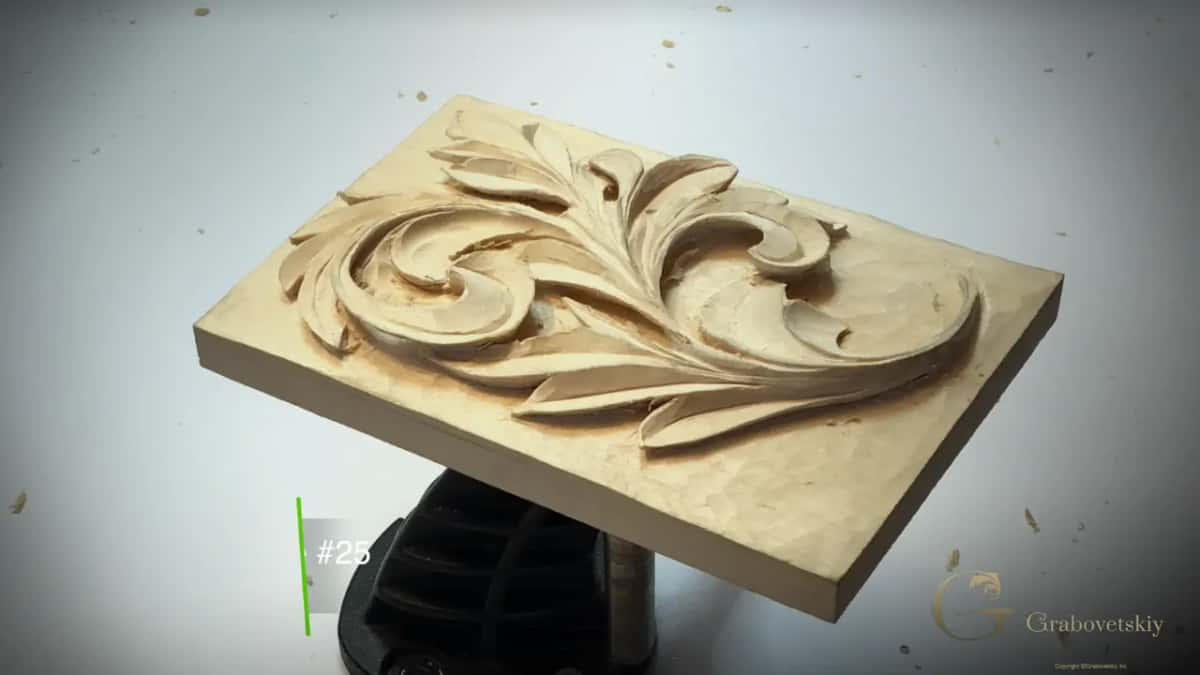
When I'm not sure a part shows on camera, I change the angle. My lily box, lesson 6, had a sloped volute I wasn't sure showed well, so I showed it under a different angle, and then you could see the side of it.
Closing lesson 15, I presented the leaf to you, a Greek acanthus leaf in a Greek style.
Is a phone camera good enough for a carving picture?
For the pictures I take at the bench, I use my phone. One leaf in the floral and molding course, lesson 3, had to mirror the leaf above it. So I made a picture of the piece with my iPhone, went to that picture, hit edit and flipped it.
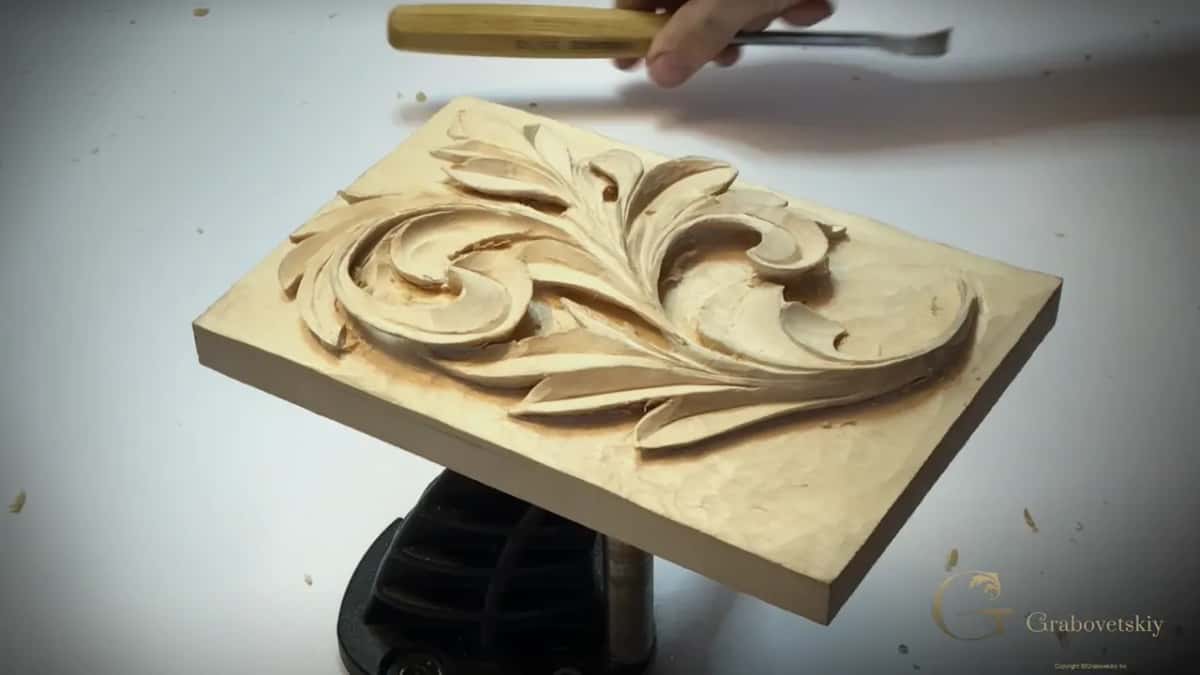
I know they didn't use those phones back then, I said, but we do have them, and I don't see any problem using it. And it's fast. Two lessons later I did it again, a picture on my phone, flipped and placed right beside the work. It doesn't have to be perfect, but it makes life much easier.
Teaching the Byzantine acanthus class, I drew the design and told everybody they were welcome to come up, take a picture on their phone and keep it close by. Sometimes it's a really good idea, I said.
Another livestream from that month, the one about using plastic as a carving tool, has the same habit. Photograph your design on the phone, email it to yourself, enlarge it on a tablet, and lay the plastic right on the screen to trace it.
And for the grape onlay course I promised to photograph the piece once it was carved and do the line work from it, so you could see the final result.
Does the leaf have to be finished before you send the picture?
The page talks about progress, and progress is what the certificate rests on. My own leaf wasn't perfect when I stopped either. In the last minutes of lesson 15 I said I'd probably spend a few more minutes off camera to clean it a little better, but for now I would call it done.
At some point you have to stop. You always can find imperfections in your carving, and there's no end to the stuff you can refine, which is okay.
A piece broke on camera in lesson 14, and I told you it's okay. If something broke, that means it was meant to be. I also said I'd made two mistakes in one day, and that nobody besides you, who's watching me, would know I made a mistake right there.
Not every project in my school even has an upload page. The Venice Room project has none, and I still asked you to carve a small detail of it on a board and send the picture to me. If you carve some details from this project, I said, I would love to see it.
What comes after the certificate?
More acanthus. You have to understand that this leaf is only one variation of the acanthus, out of many different variations. It's based on an ancient Greek acanthus leaf, but there's a lot more we're going to work on. The Byzantine and the Roman acanthus have their own courses.
Every lesson of the Greek acanthus course is open with tuition, and your phone and one lamp are all this last page needs.
How it's done
- Leave only one lamp on. With two lights on, the shadow hides. Turn the second one off, the way I do on camera, and it shows.
- Keep the light off the top. Overhead light dulls the carving. Set the lamp low, on an angle, so it comes from one side, like light from a window or any other source.
- Look from different directions. Your eyes get used to one angle of the light. Reposition the lights and look again, as I encouraged you to in lesson 8.
- Use your phone. That is what I use for my own pictures at the bench.
- Save it as a png or jpg. No zip. Then run it through TinyPNG for a size reduction.
- Upload it once. Have the picture ready before you open the assessment page. You get only one chance on that page, and the button disappears when you leave it.
Frequently asked questions
What file type does the Greek acanthus certificate accept?
A jpg or a png, and no zip. Run the picture through TinyPNG to make the file smaller before you upload it, and have it ready first, because the page gives you one chance while you are on it and the button disappears once you upload and leave.
Why does a carving look dull in a photo?
A light straight overhead can do it. In a 2020 livestream I called that the worst light, since it dulls a carving and hides the facets on the work. Switch off one of two lamps, or let a single side light come in, the way it does through a window, and shadow lines come back.
Can you photograph a carving with a phone?
My own pattern pictures are taken on my phone, straight down. In the floral and molding course I took a phone picture of a carved leaf, hit edit and flipped it, so the next leaf could mirror the first one. And in a Byzantine class I told everybody they were welcome to keep a phone picture of the drawing close by.
What to carve next