
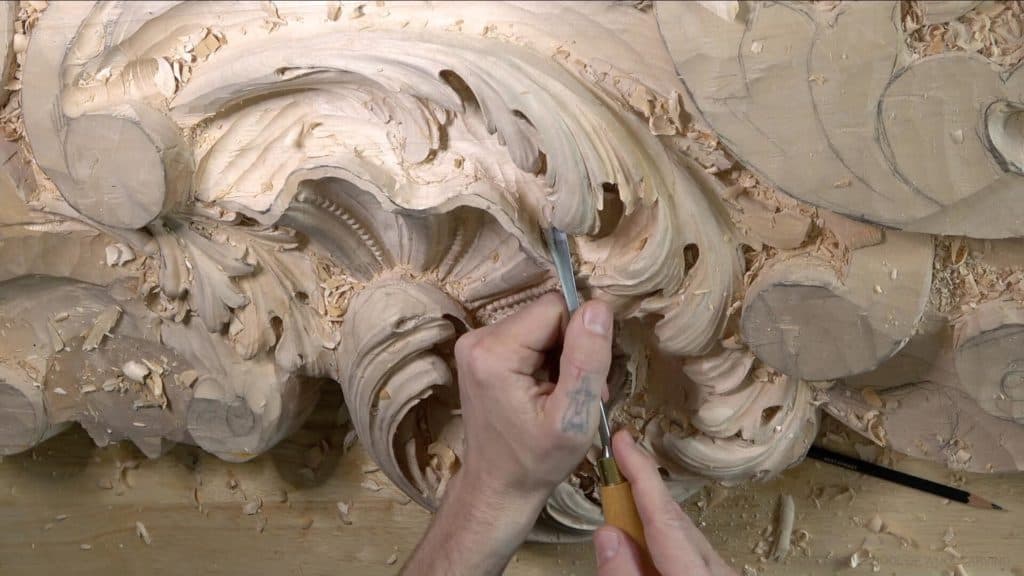
Alexander Grabovetskiy, woodcarver, School of Woodcarving · Published 2020
Why wiggle a number 11 gouge for the first pass and clean it with a slicing cut afterward?
Quick answer: Wiggle cutting is a first pass with the gouge, a small movement that keeps control steady with little strain on the piece or my hands. A clean cut it is not, I said, and a slicing cut goes over it next. I said it works miracles, I think, in workshop 23, part 11.
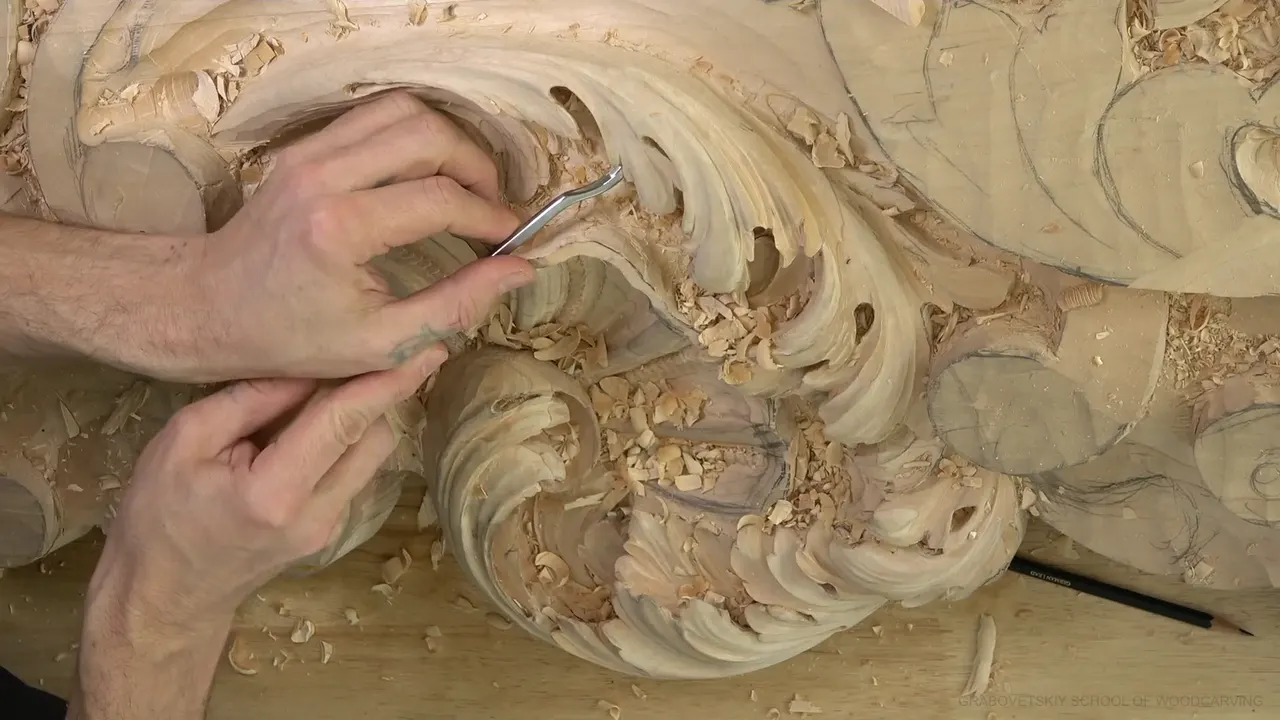
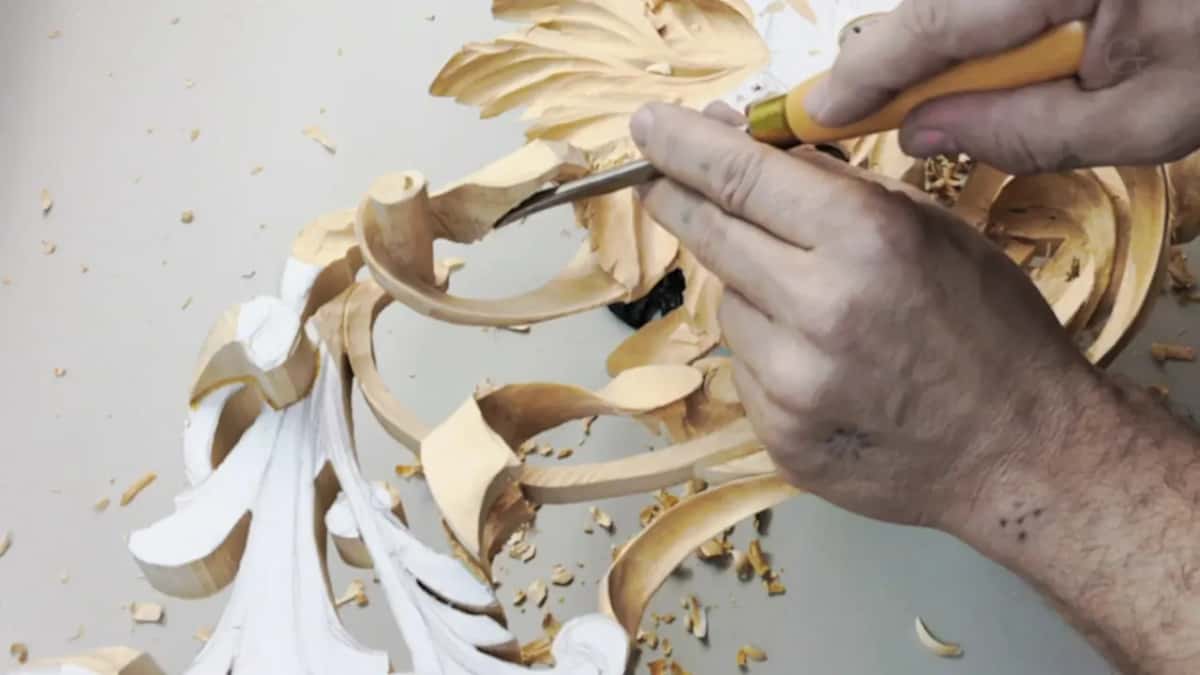
A wiggle cut with a number 11 is a preliminary pass, a small wiggling movement of the gouge that takes out wood while I put little stress on the piece. In part 11 of workshop 23 I told the camera that it does not give you a clean cut. As a preliminary cut, I think it works miracles.
This part is short, under eight minutes. So I went through my other courses for the lessons where I wiggle a gouge and give a reason, and each of those sits in a public lesson that I link.
Ever stood over a spot where pushing felt dangerous? Wondered if there was a gentler way in? On a Venetian panel, mine is a small wiggle first and a slicing cut second.

What does a wiggling number 11 do in part 11?
- It takes out the mess left by an earlier cut, with better control.
- My hands and the wood get little stress.
- It leaves a rough surface, so a slicing cut comes after it.
- Number 9 gives me more wiggle than number 11, and I say when I reach for it.
- I wiggle near weak spots, where grain fights me, and on end grain.
Looking at one hole from where I stood at 04:37, I found it not too clean either. I could probably attack it with the number 11, I said, and at 04:51 I named the one that is 5 mm (3/16 in) to remove whatever I had just created.
Then came the line this page is built on, at 05:06. "And yes, I am wiggling a little bit." Control is much better, and the wood takes less stress. So do my hands. "That's one of the ways I do it."
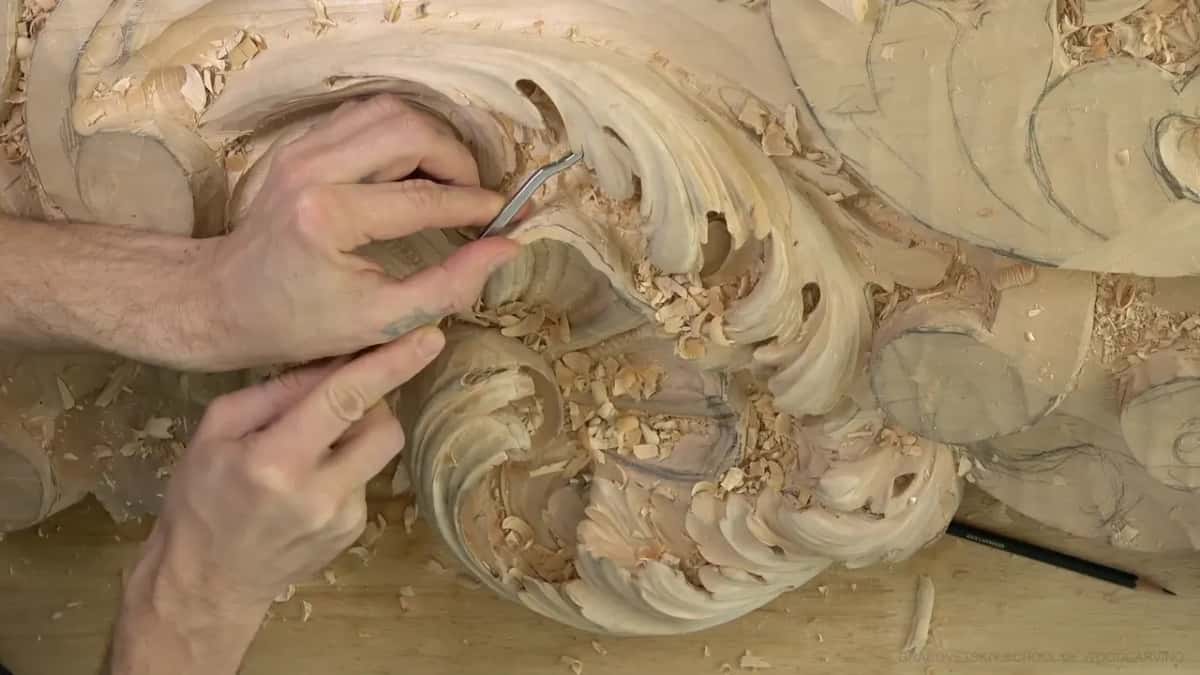
The surface that comes out is rough. No clean cut comes out of a wiggle, I told the camera at 05:32. A slicing cut follows it, just like that. But as a preliminary cut, "it works miracles, I think." "Really helpful," I called it at 05:53.
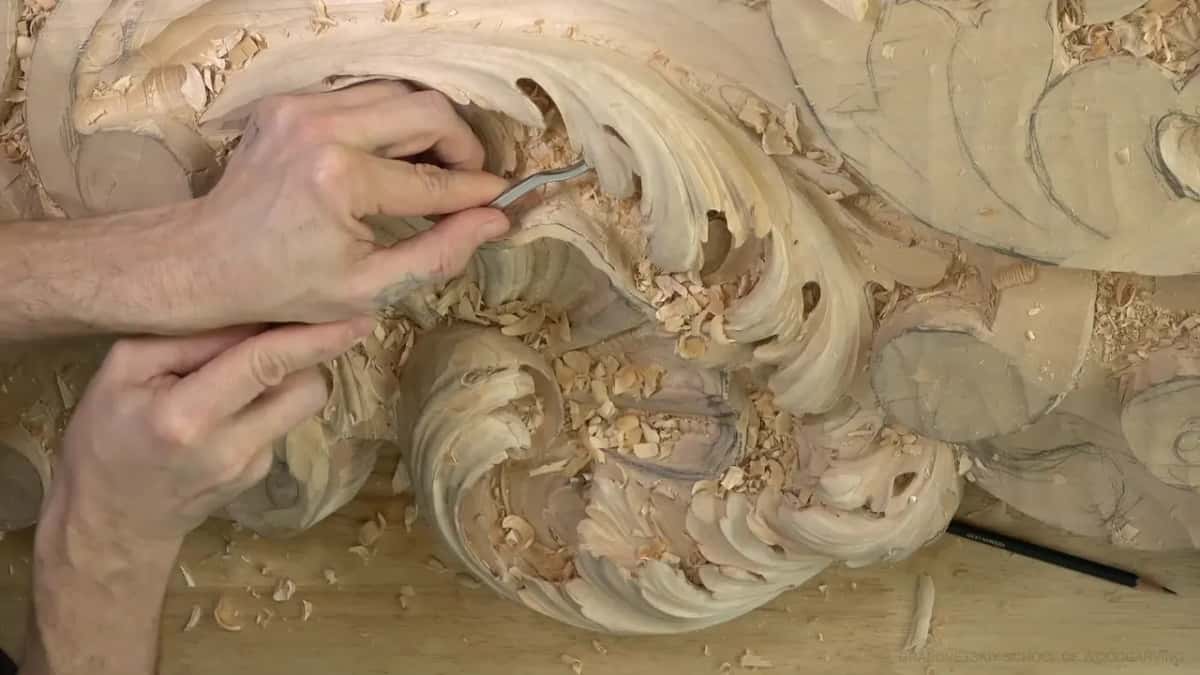
Chips pile up fast. By 06:28 I had them everywhere, and by 06:34 I was "in the business of making chips." A simple brush clears them. Mine is a little more expensive one that feels good in my hand. Any cheap brush at about $1 also works, I told you, though it will not look as good. It still gives you results.
Which gouge goes in first, and how far can it reach?
The video opens on a plan. Both sides are open to me, and from this one I can pretty much connect my cut. That was 00:21. A couple of ways to attack it and clean it came up at 00:43.
My first example, at 00:53, was a number 11 at 5 mm (3/16 in). It can get really deep in, I said, and clean whatever cuts the back bend created, right to the cut pretty much.

Near the edge it turned into a question. Really nice and close to the edge is possible, but what should I use? "Maybe just a number five, the bigger one," maybe about half an inch (13 mm). Then came a plan to try getting upside down underneath, closer to the edge, without making it too weak.
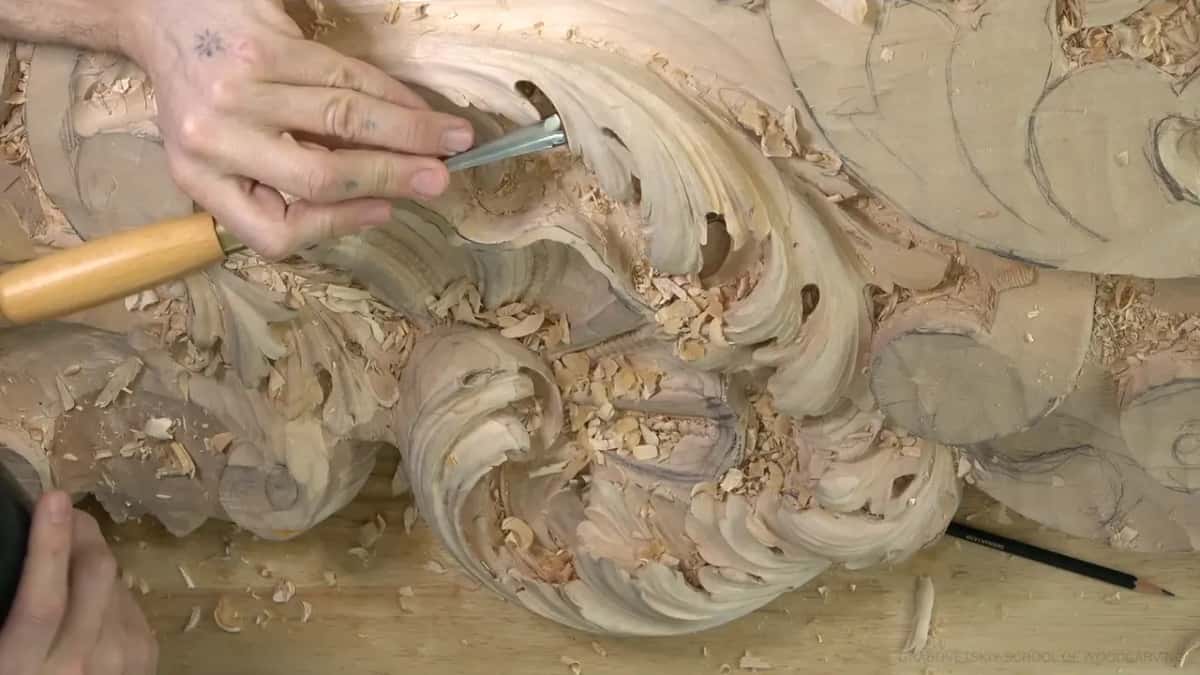
Why switch between a number 9 and a number 11 when I wiggle?
Number 9 wiggles better. I planned one at 10 mm (3/8 in) in workshop 70 of the Venice Room, to clear some mess from a side. My reason at 04:27 was that I can wiggle it, and it is a half-round. Number 11 works also, with a lot less ability to wiggle.

In workshop 41 I had to go uphill with a number 11. I called it probably a good idea to take my time, not force it, and excavate little by little (02:50). I was also working against the rules, I said, and fighting the grain. Then, at 03:18, came a thought: maybe switch to a number 9 for more wiggling ability. It is a half-round, I added, and a smaller one, about an eighth of an inch (3 mm), was another choice.
A big concave came up in workshop 38. Another number 11 could do it, I said, but first I would wiggle, and the number 9 I named was 13 mm, half an inch. For the smaller concave I planned a number 11.

Preliminary cut and wiggle meet in workshop 9. That number nine came back, and I wondered if I could manage the spot. My plan was to make the preliminary cut inward just by wiggling like that, and then to attack from the opposite direction.
Two sizes meet in workshop 11. I wiggled a number 11 at 7 mm (a little over 1/4 in) at 01:39, because it helps me. Seconds later it looked a little too big, maybe, for that separation, and I said I could switch to a smaller one.
When do I wiggle because a spot is weak or dangerous?
Furniture panel lesson 21 has the plainest reason. Wiggling a little bit at 05:31 was the plan, since it is a kind of dangerous area and I did not want to push it too hard. Sometimes just a little wiggle helps.

Workshop 10 shows a weak spot. Wiggling a number five, a quarter-inch gouge at 6 mm, was my answer to a detail I had made too weak. That was 01:24. Careful was the word for how I approached it.
Half a minute on, I cranked against that edge, and said so: "See, I just cranked against that edge." The lesson I took from it is that it is sometimes better to wait with your edges until you are done with the main operation.
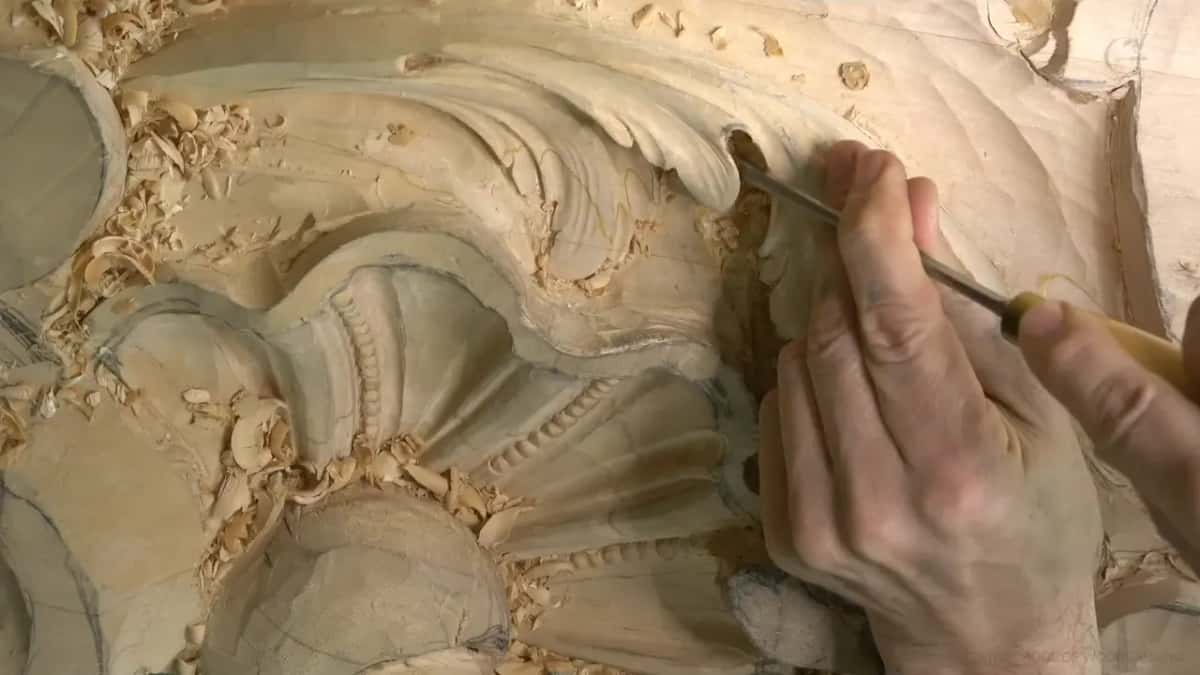
Why do I wiggle when the grain is against me?
Grain is another reason I give. In Hashemi lesson 9 a number nine spoon went in with the grain working against me, at 00:57, and that was why I wiggled. Nothing broke. That wood was waste anyway and would get removed later, so no need to be scared.
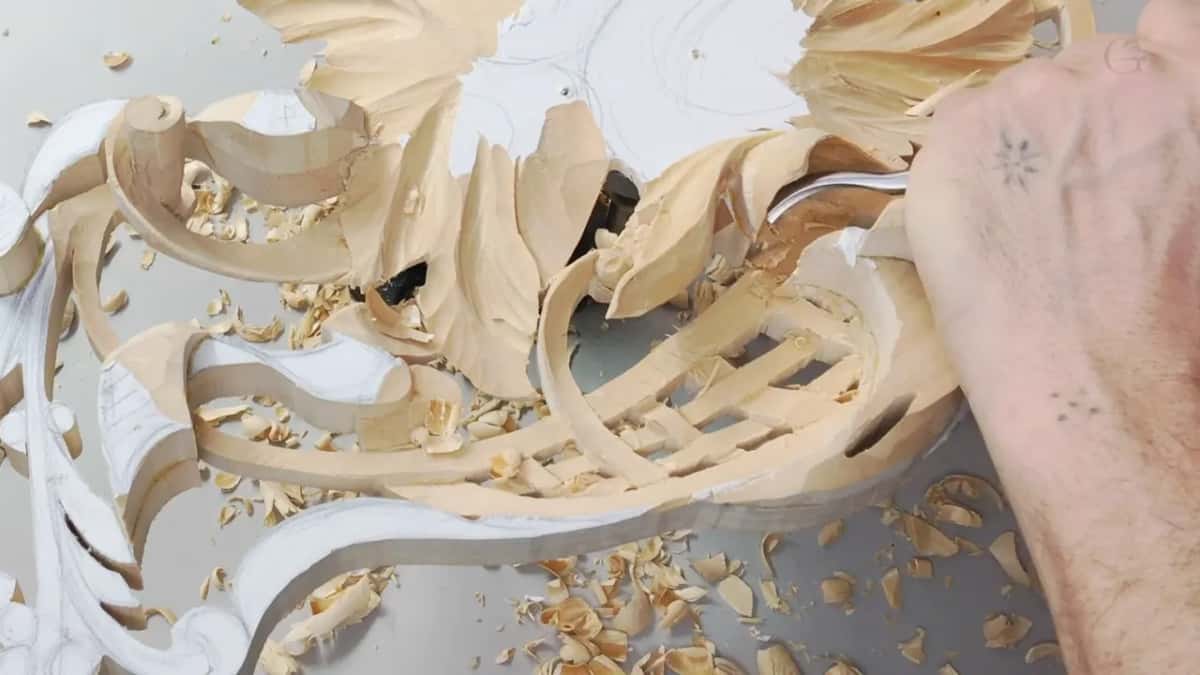
Two more cases sit in lesson 10. A small number nine, about a quarter of an inch (6 mm), was the tool I named. The grain ran against me, and I had to be really careful, which is why I wiggled at 01:04. It also ran in a direction that can crack on the inside.
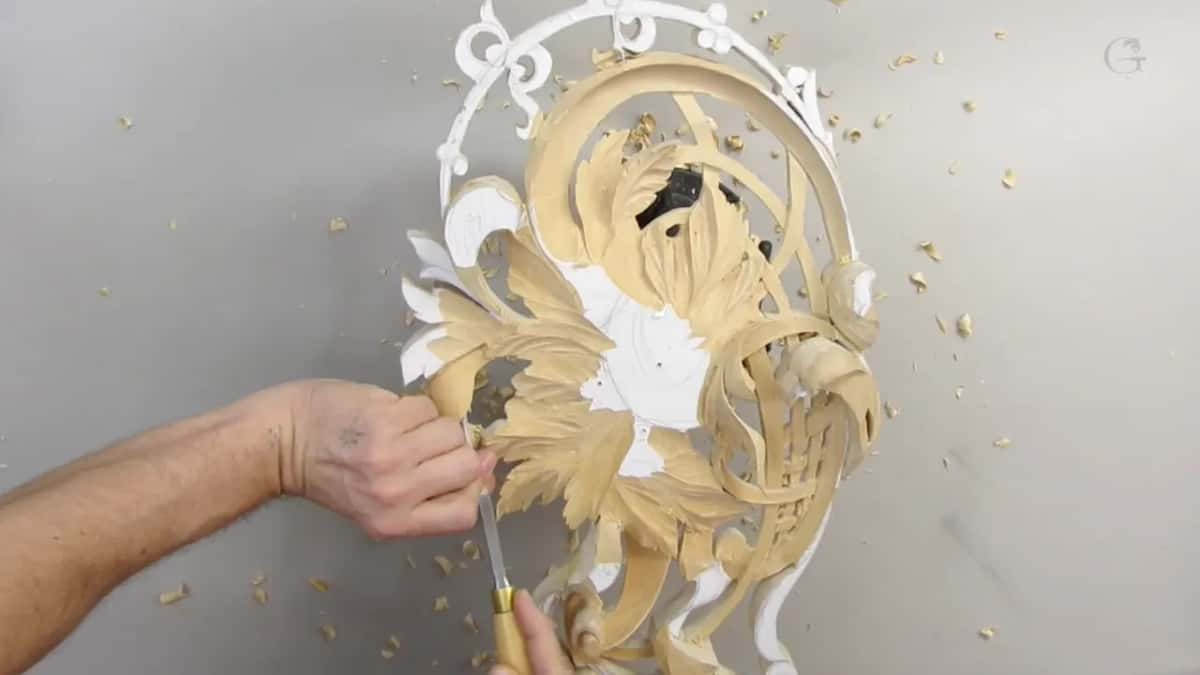
Later in that lesson, at 07:00, a quarter-inch number nine came back. The grain ran against me again, so I wiggled, and the cut was not clean, since I still had to clean it from the backside. From behind it would be much easier to see what the final result should look like. A small gouge would give the same results, I added, and so would a spoon gouge of 3/16 of an inch (5 mm).

Hashemi lesson 14 puts it lightly. Working against the grain at 00:31, I did actual micro wiggling and created almost no pressure. My cuts had to be more delicate.
Why does end grain make me wiggle?
Hashemi lesson 41, at 05:35: a little bit of wiggling, because it was the end grain, and I wanted to make sure it would not split on me. Just before that I had been checking and double-checking the thickness of the material on the backside.
The same reason turns up in lesson 23 at 03:29. End grain, right where the grain runs like that, and so sometimes I have to wiggle. The tool was a number nine at 5/16 of an inch (8 mm).
The cue in lesson 11 is 04:29. End grain running that way was behind the wiggle, and that is kind of hard to cut with a tiny, small tool. Not impossible. Kind of hard.
How does a wiggle cut go into a deep undercut?
Lesson 13 of the floral and molding course gave the movement a name. Not pushing and not creating any force, I was only wiggling with my tool little by little (01:39). "That's how I call it, wiggle cut." There might not even be a name for it.

Without pushing too hard, I used just the sharpness of my tool. Taking lots of material at once was not what I was doing. Patience mattered, because sometimes the job takes a little longer than you expect, and I was okay with that.
A smaller number nine at 2 mm came up as a maybe. With that one I would not have to wiggle anymore, I said, maybe a little bit. By 04:19 I was saying it again: a wiggling cut is not going to leave a really clean surface, and later you have to go back and clean it. "But it gets the job done."
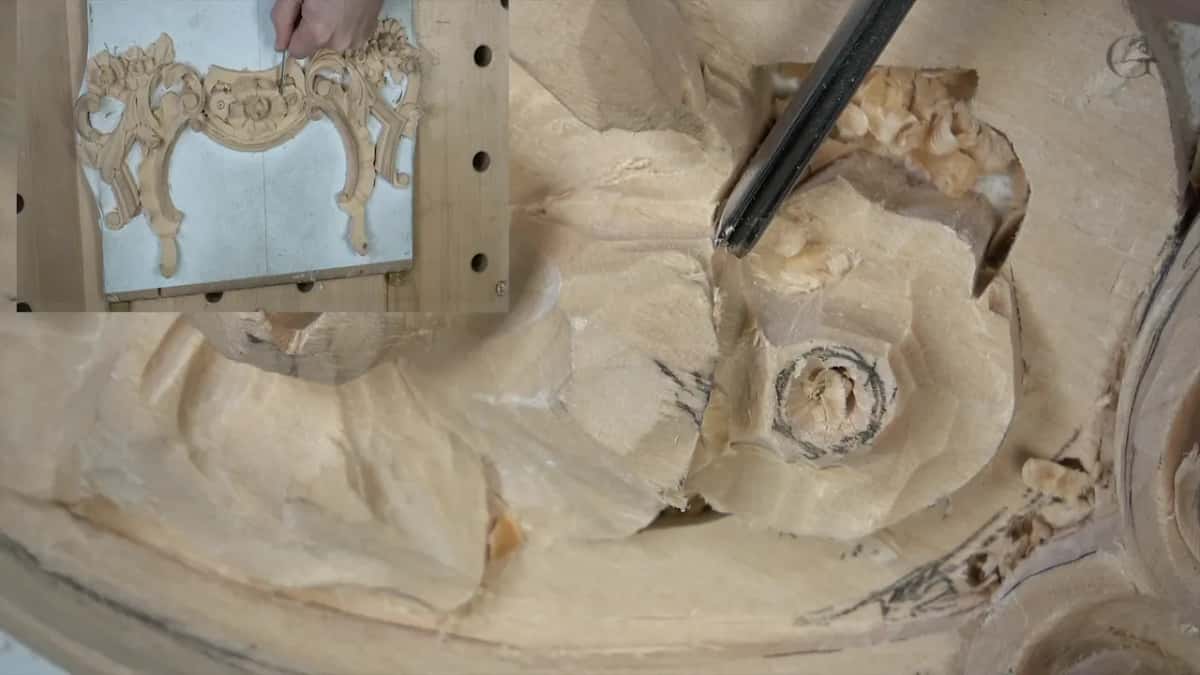
In furniture panel lesson 20 I planned to go as deep as possible at 17:32, and a little wiggling helped me. The reason came at 18:15: when I wiggle, it helps me create a nicer cut.
A second thought came right behind it. Even better control and beautiful, deep undercuts would come from a mallet, I said at 18:19. I probably should use it earlier. The line in workshop 10 at 00:30 was "Let me use a mallet," before the number five came out.
A mallet shows up as a maybe in lesson 19 of the same panel. I named half a millimeter and said I would dig even deeper, but I probably should use a mallet, because I needed to control it better. The wiggle was at 19:01.
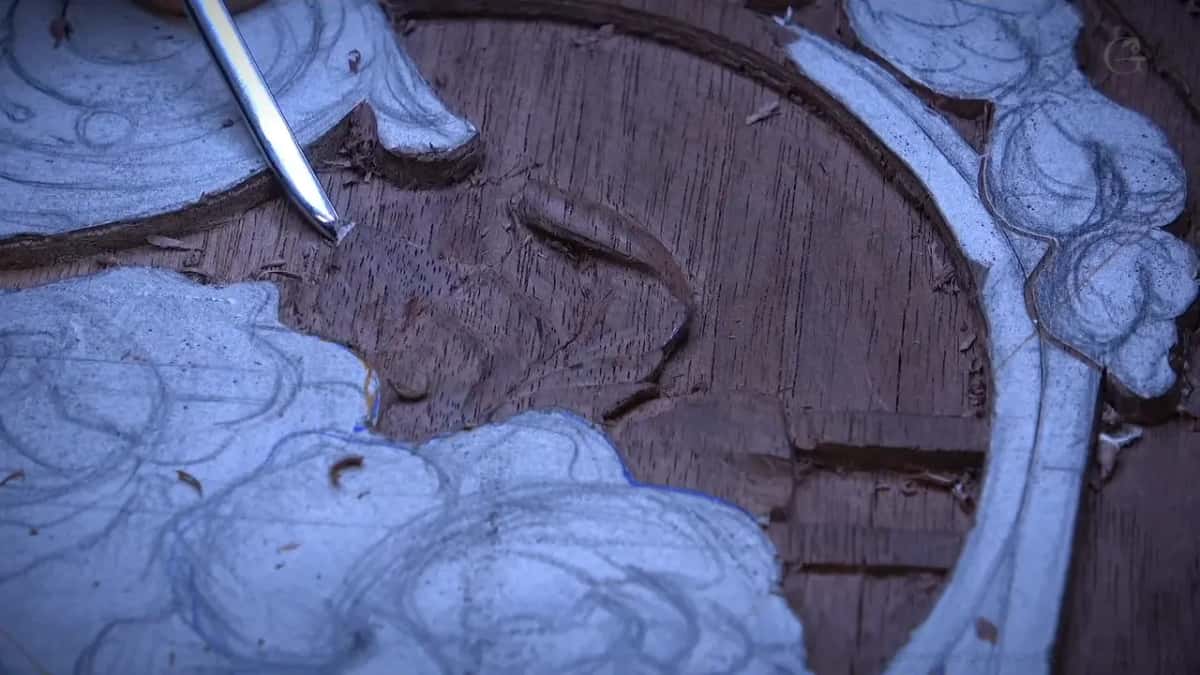
Elsewhere in that lesson, two undercuts came with a wiggle. I was going to undercut underneath one detail with the same tool, carefully, and at 04:25 a little wiggle felt called for. Later, at 14:36, I needed a smaller tool, maybe a sixteenth of an inch (1.6 mm). I wanted to be sure not to go to the line, and at 15:00 I wiggled and went down.
Back in lesson 20, I named a half-millimeter number 11 V-ner and said I would lean it toward the right side for a slight undercut. At 04:35 it was, "If I need to wiggle, I'll do it," followed by a slight wiggle.
Do other carvers approve of wiggling a gouge?
Some do not, and I say so. At 05:49 of lesson 21 I mentioned that I had said before, in another lesson, that not all wood carvers would approve of the wiggling technique, but that it works. The movement is a jewelry-making technique, I explained, and here is what I get from it. Control gets much better. It does not give me too clean a cut, but I can always come back and clean it. I am not creating too much pressure, and I let the tool do the work.
Lesson 20 repeats the warning at 08:04. I know not every wood carver would approve a wiggling motion, I told you, and the spot needed to be cleaned a little more.
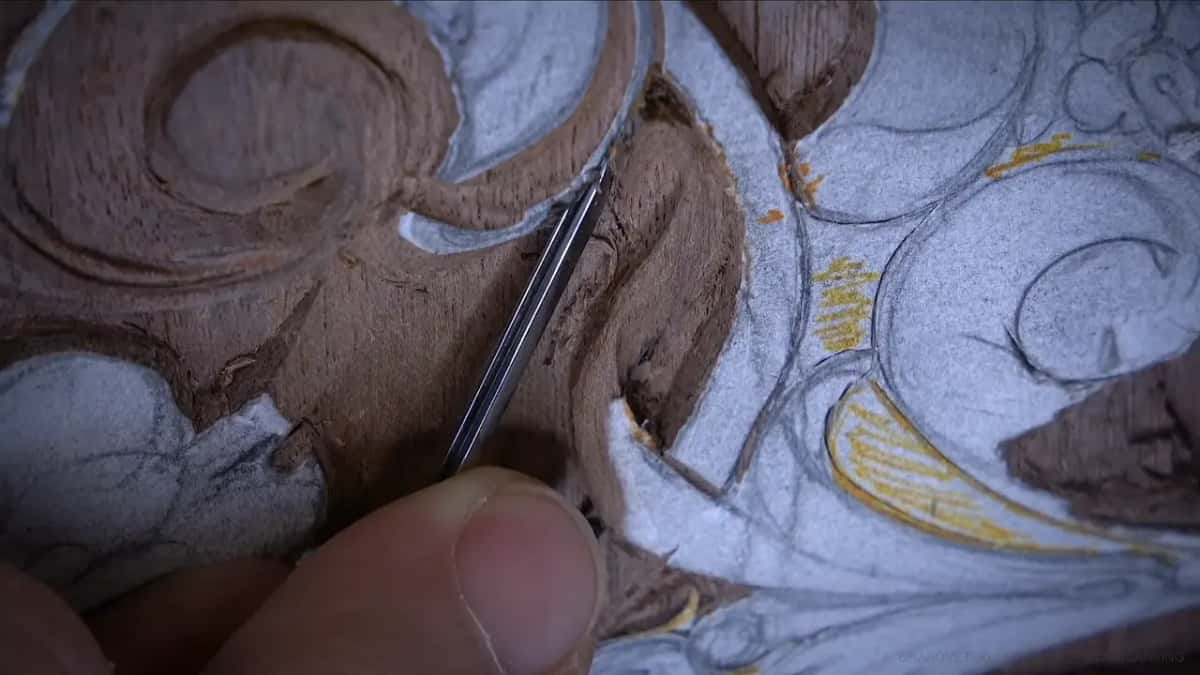
Lesson 40 of the Hashemi course has it at 01:52. Slightly wiggling, I told you I know some of you probably do not like the idea of wiggling with the tool. But it actually helps. At 02:41 of lesson 21 I said I know you are not supposed to wiggle, but I do sometimes, and I think it is all right. Over in lesson 22, at 07:25: I know I am not supposed to wiggle, but it is okay.
A short record of what I said and where
The table keeps six of these in one place. The words come from the lessons, and the tool is the one I named in each.
| Where | What I said about the wiggle | Tool |
|---|---|---|
| This video, 23.11 | It gives me much better control without creating lots of stress on the wood | Number 11 |
| Furniture panel 21.14 | I can control much better by wiggling, and I am not creating too much pressure | 1 mm |
| Hashemi 10.11 | Against the grain, so I am wiggling, and it is not a clean cut | Number nine |
| Hashemi 41.1 | I am wiggling because it is the end grain, and I want to make sure it does not split | None named |
| Venice Room 10.2 | Just wiggling like that because I created too weak a detail | Number five |
| Floral molding 13.2 | That wiggling cut is not going to leave a really clean surface | Number nine |
What about your own gouge?
Is there a spot on your carving where pushing feels risky? Is the grain running against you, or is the part thin? Then there is your first pass, a small wiggle with a sharp tool, and a slicing cut waits behind it.
This part is one video of workshop 23. The whole course lives on the Venice Room Part 2 page.
New words? A gouge is a kind of chisel, and the mallet is the hammer I mention. Wood has a grain. Jewelry making is where I said this wiggle comes from.
A relief is carved on a flat panel. Wood carving, the craft itself, is a branch of woodworking that sits near sculpture and runs on hand tools and plain wood.
How it's done
- Look at the spot. One hole, seen from where I stood, was not too clean.
- Pick the tool. My pick was the number 11, to remove whatever I had just created.
- Wiggle a little. Control improves, and my hands and the wood carry less load.
- Come back with a slicing cut. Wiggling leaves the cut unclean, in my words, so a slicing cut takes the same spot next.
- Brush away the chips. A simple brush did it for me, and a cheap one will do as well.
Frequently asked questions
Why wiggle a gouge instead of pushing it straight?
Control. In this video the wiggling number 11 steadied my work and eased the load on the wood and on my hands.
Does a wiggle cut leave a clean surface?
At 05:32 I told you it is not a clean cut. Over it goes a slicing cut afterward. For a preliminary pass, I think, the wiggle works miracles.
Which gouge wiggles better, a number 9 or a number 11?
The number 9 won in workshop 70, since it is a half-round and I can really wiggle it. An 11 still works, with a lot less ability to wiggle.
Do all wood carvers approve of wiggling?
What to carve next