

Alexander Grabovetskiy, woodcarver, School of Woodcarving · Published 2020
What software do you use to design a hand carving?
Quick answer: Designing a hand carving on a computer is building the piece as a model before any wood comes off. For a Venetian room in 2020 I modeled the curves in Rhino 6, moved the whole room into Blender, rendered it in KeyShot 8, and drew the details over that render in Procreate on my iPad.
Software for designing a hand carving is a set of programs that show you the whole piece before the first chip comes off the block. The wood carving software behind one Venetian room I was carving in December 2020 was Rhino 6 for the curves, then Blender, then KeyShot 8 for the rendering, and Procreate on my iPad for the details. The carving itself I do by hand.
Got a piece too big for one sheet of paper? Curves in three directions? A whole room of carved parts, columns and walls and corbels, that all have to fit each other? For a big project like that, I had to use software.
I was streaming on Facebook, YouTube, Twitch, Twitter and Periscope at once that day, and I asked anyone watching on Facebook to come over to YouTube, where the quality is much better. Twitch limits the bit rate. Someone in the chat asked me during that live stream, on December 22, which drawing program do I use for design on the computer? My first thought was that they wanted me to draw something live, and I said I could probably hook up my iPad for that. Then I got it. They meant which program I use for the designing itself, and the misunderstanding was my fault. I gave them the whole list. Here it is, program by program, in the order the work moved through them, and after it the corbel the model turned into.
My design programs for that room in 2020
Paper comes first on a small project, or a drawing straight on the block.
Rhino 6 built the 3D model, because every line in it is a curve.
SketchUp is limited on complicated curves, I said, and Fusion 360 I tried and did not like.
Blender, free and open source, took the whole room as a mesh.
KeyShot 8 did the rendering, and Procreate on the iPad took the details.
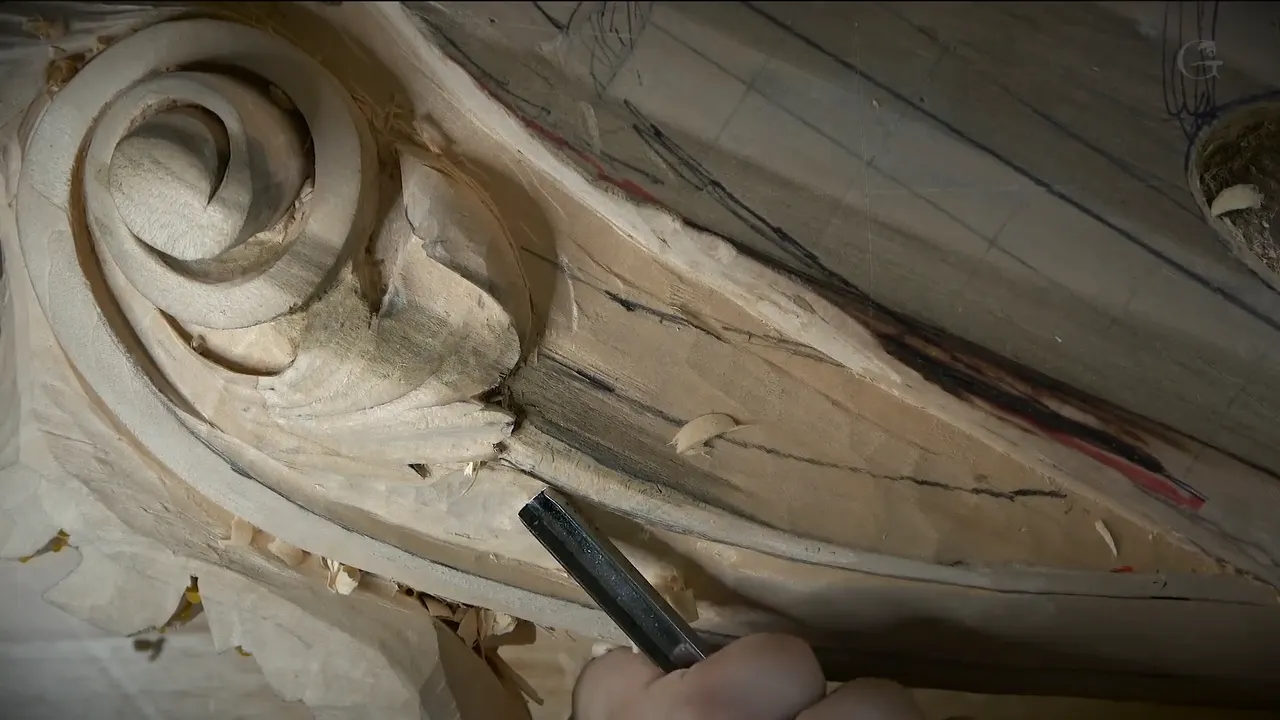
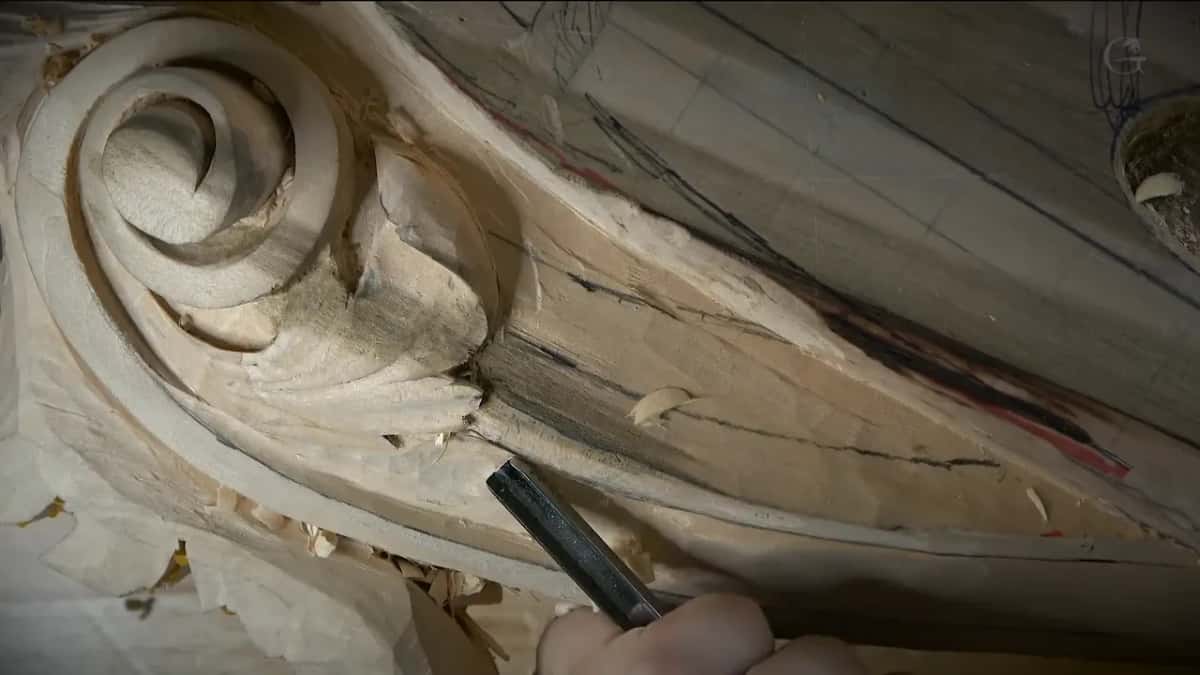
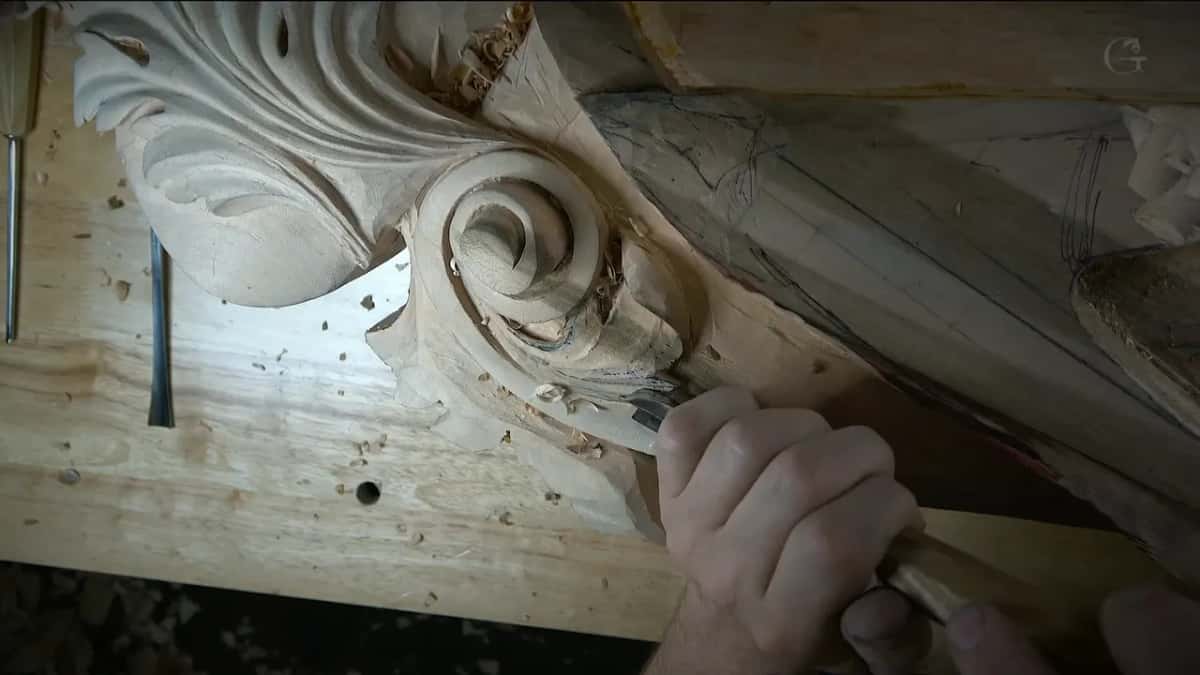
Nearly done, the right corbel is paint grade, in a Venetian style of the late 1400s and early 1500s.
Do you need wood carving software to design by hand?
Paper does the job on a small piece. First of all I use paper, if the project is small. And if you watch some of the videos on the school site, you'll see that sometimes I just draw right on a piece of wood and design as I go. That is one of my approaches.
A big project is another story. With a room like the one on my bench, I had to use software, and I told the viewer I'm not using just one program. I'm using multiple. Each one did its own part of the job, and none of them did the carving.
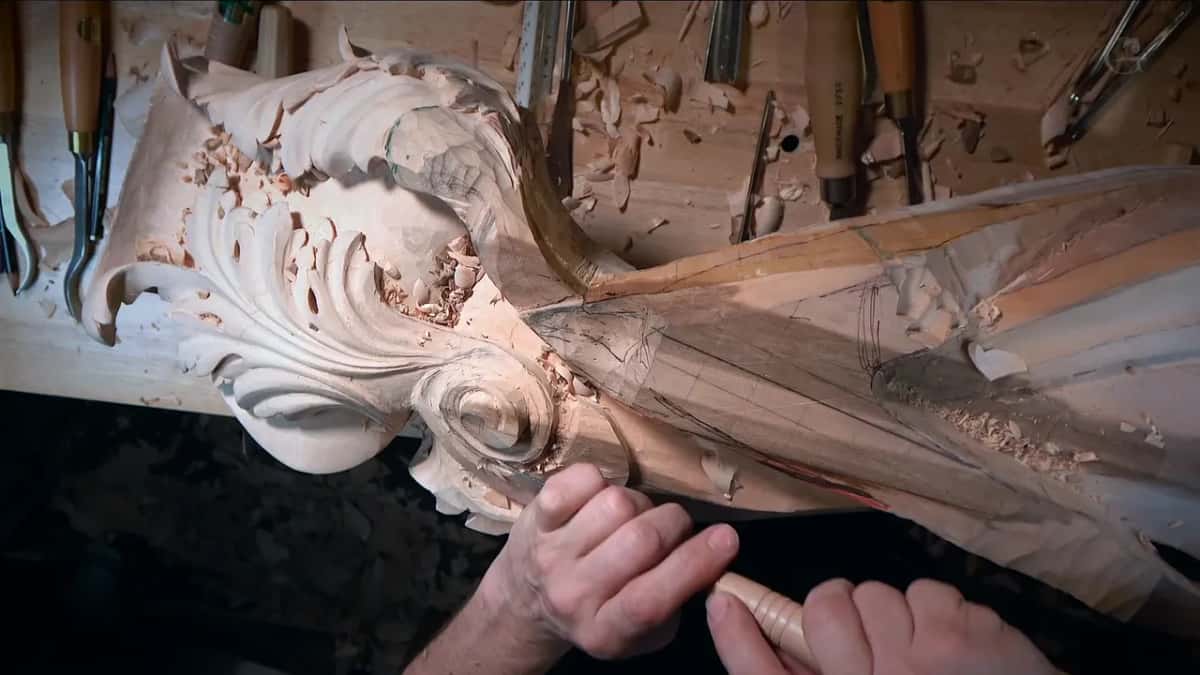
Every program on this list is for design. Whether a machine should carve the piece for you is a different question, and I answered it in workshop 154 of the Venice Room. The carving on this room is hand work.
Which program did I model the room in?
Rhino. Rhinoceros, version 6. I did that modeling on a computer with two programs for the three dimensional part, and Rhino was the first one.
Rhino is paid, and it's kind of an expensive program. I'm going to be honest with you, it's also really buggy, and I'm not the biggest fan of that. Unfortunately there's no 3D modeling software I know of that can do what Rhino does. So that is my number one program.
What I like about Rhino is that it's curvature based. Every line is a curve, and I'm able to do the modeling based on curves.
What about SketchUp and Fusion 360?
I could use SketchUp. I used it before, and I know a lot of woodworkers like it. But SketchUp has a lot of limitations, and I'm not the biggest fan of it. I believe that for the complicated curvatures, Rhino is much better.
On another page I wrote that on the screen I use SketchUp, and that it was the fastest way for me to get a drawing out. That's my page on planning and sketching a design, and it is about getting a drawing out and scaled. This stream was December 2020, a whole room of complicated curves, and on that day I said Rhino. Scaling one pattern in SketchUp has a lesson of its own.
Fusion 360 came up too, as one more 3D modeling program you can probably use. I tried it. I don't like it.
What did Blender add once the model left Rhino?
All of it, the whole room at once. Number two program, I export the model as a 3D object, even if it's the whole room, into Blender.
Blender is mesh based. It's a little different approach. Instead of curves and lines, Blender works from a mesh. And Blender is actually free. It's open source, a free program, and you can do some really nice modeling in it. A lot of professional movies and 3D effects are done in Blender, I said.
Paid program first, free program second, and the whole room went across between them as a 3D object.
What is KeyShot for in a carving design?
Rendering. From Blender I took the room to KeyShot, and when I did this project it was version 8 of KeyShot, for the rendering.
Three programs, then. I said three, but I should probably add one more.
Where does the iPad come in?
Last on the list. The fourth one is my iPad, and I've used a couple of drawing apps on it, but the one I really like is Procreate.
In Procreate you can do pretty much anything with just the pencil. I took my 3D model of the render, and its details went on right there, on the go. I tried to show it on the stream, and I wasn't sure you could see it there. I hoped it answered the question.
Drawing a full pattern on an iPad, at real size, has its own page. Reading numbers off a 3D model on a screen while you carve is another thing again, and I did that in workshop 80 of the Venice Room.
Then there was the computer I fried. My previous one, a 2019 MacBook Pro with 32 gigs of memory, I fried completely, because of how many videos I have to edit. The RAM went. That stream ran on a brand new one, and I was still checking its settings. Two computers ran the same stream, each showing a different set of comments, which were supposed to be combined, so I kept missing people.
The programs side by side, as I used them
Program | Job | Order | Verdict |
|---|---|---|---|
Paper or wood | Small projects, sometimes drawn straight onto wood | Small pieces | One of my approaches, I said |
Rhino, version 6 | The 3D model, every line a curve | First program | Paid, kind of expensive, really buggy |
SketchUp, used before | Not my pick for the complicated curvatures | Before this | Its limitations, and not my favorite |
Fusion 360, tried | Something I tried and did not like | Set aside | You can probably use it, though |
Blender, open source | The whole room, brought over from Rhino | Second program | Mesh based, free, really nice modeling |
KeyShot, version 8 | The rendering of the room from Blender | Third program | Version 8 back on that project |
Procreate on iPad | Details on the render, on the go | Last step | Pretty much anything with the pencil |
What did the 3D model turn into?
A corbel. Two of them, really, a right one and a left one, for the same project and in the same Venetian style carving.
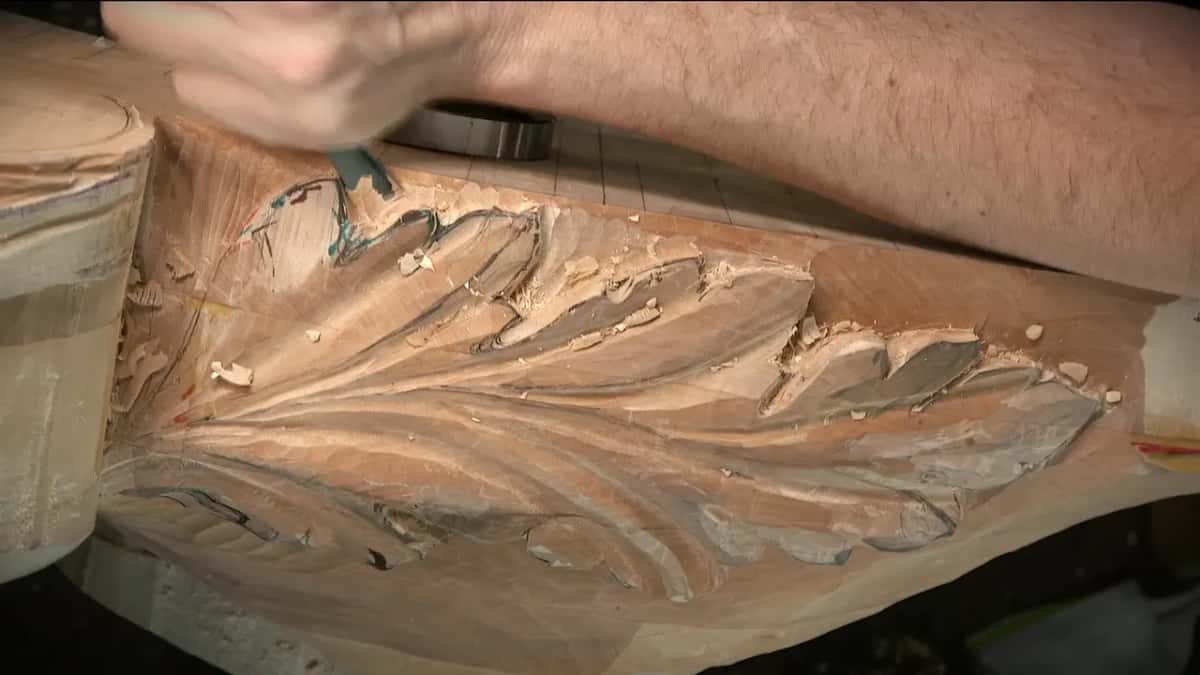
The first piece I had done 100 percent, and I was still editing those videos. On the stream I played a short clip from the school of the first one, the right corbel, nearly finished. Not much left to do on it. I'm still going to make it smoother, I said, but overall that one is paint grade, so I really don't have to worry too much about it or make it super detailed. Still, I believe it's a good piece. I think it looks really, really good. And if you'd love to create something like that, you're going to make me proud.
The design is uncommon. More Italian, a Venetian style, with five different features on it. One of them is a Venetian style acanthus, different from the normal acanthus.
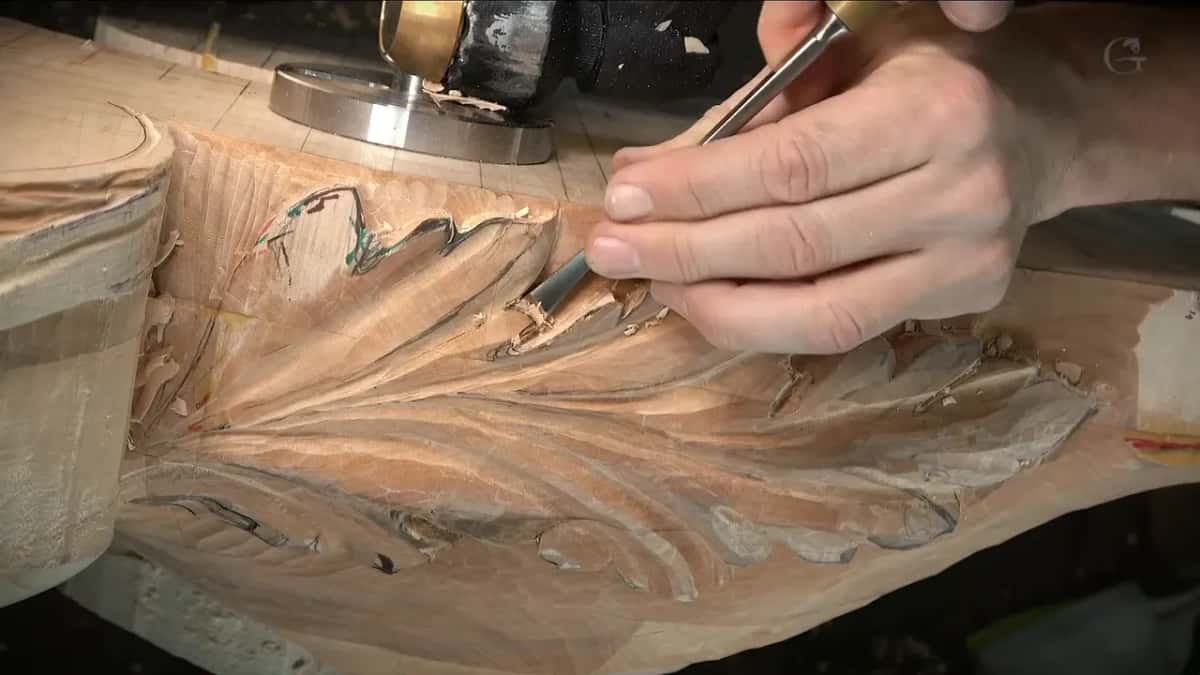
I had to be authentic to the style of the end of the 15th century and the beginning of the 16th. That is why I carved it the way I did.
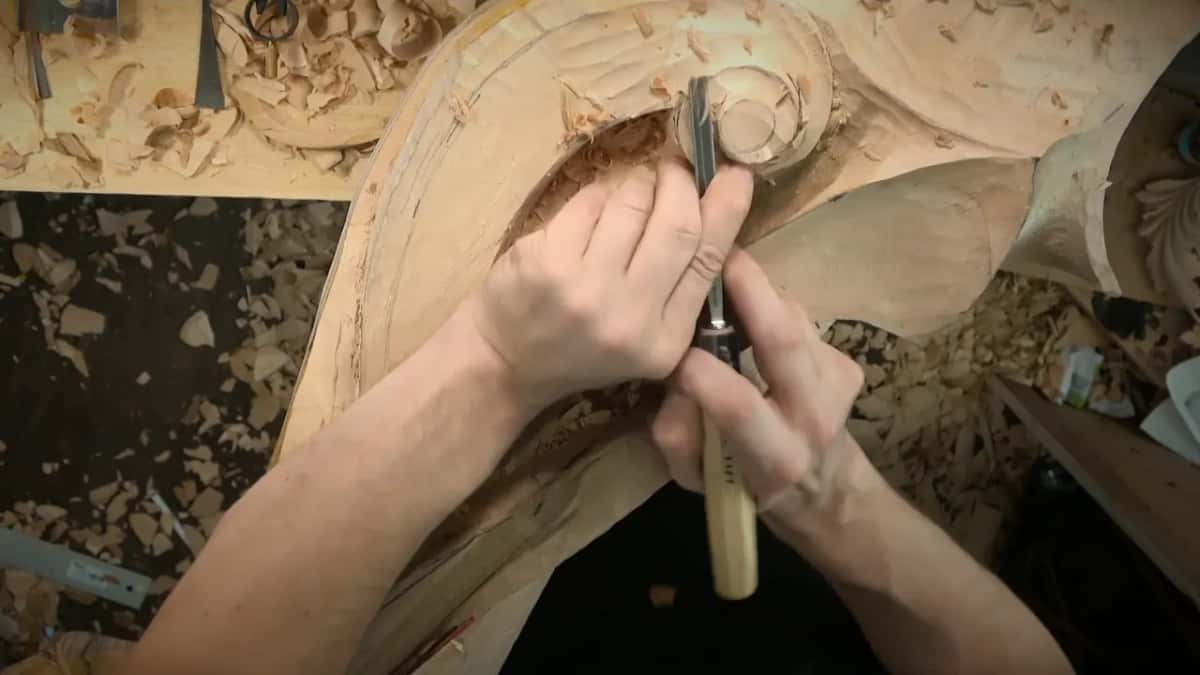
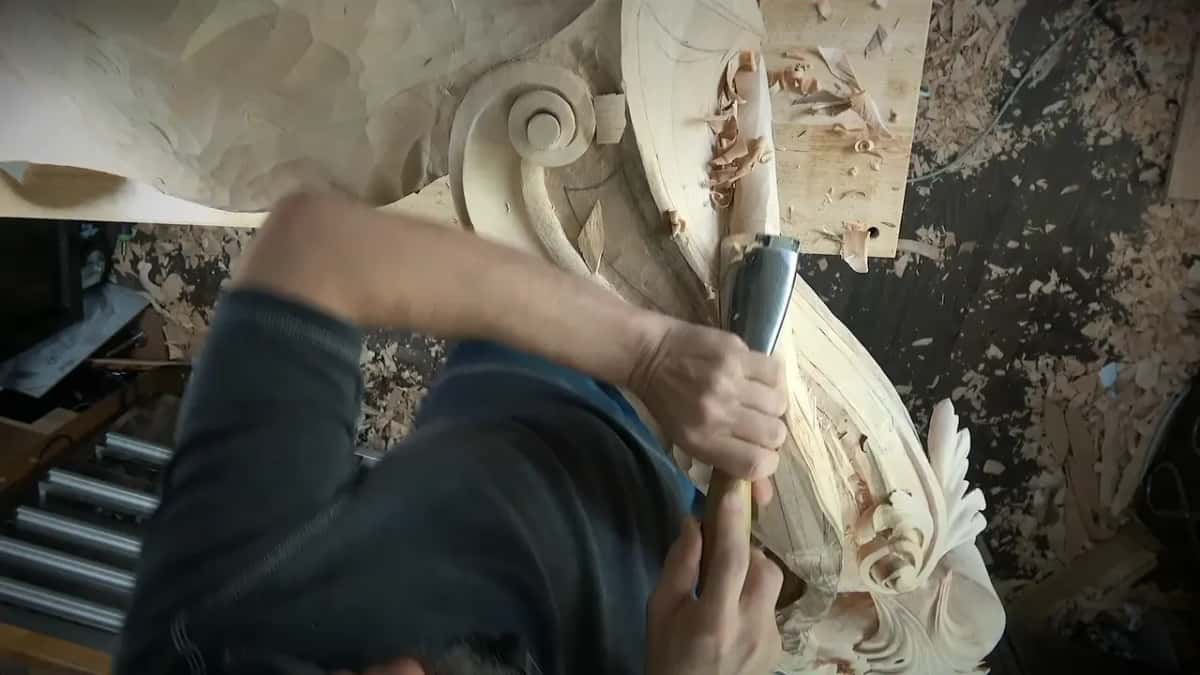
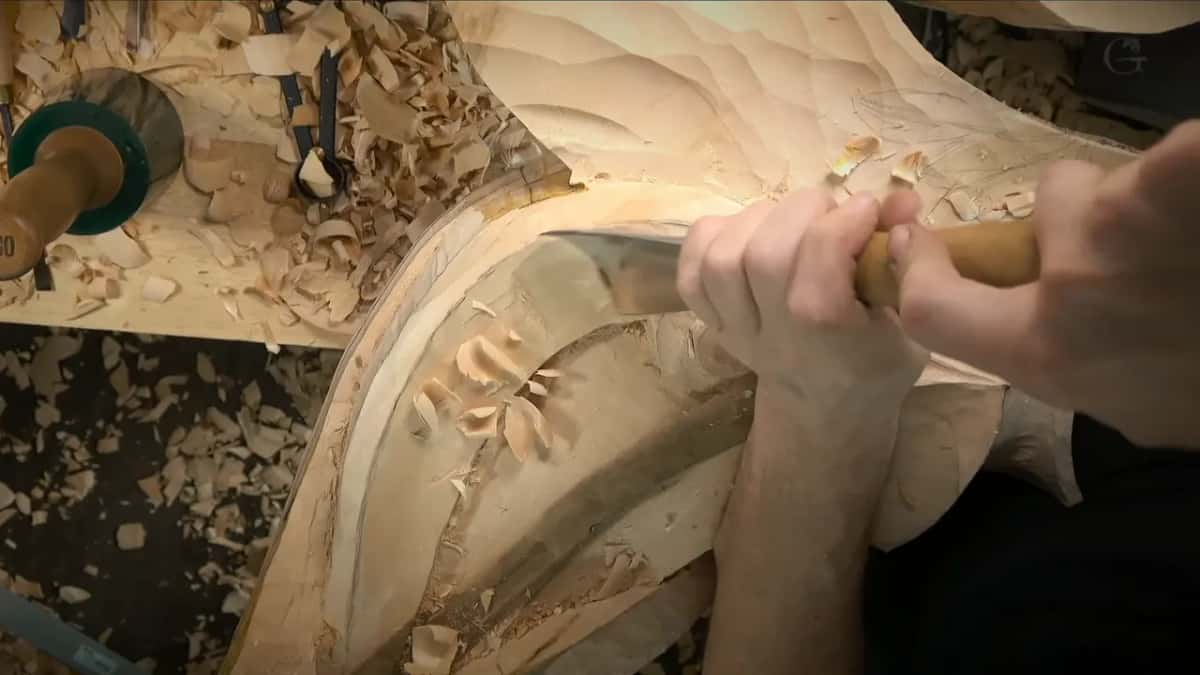
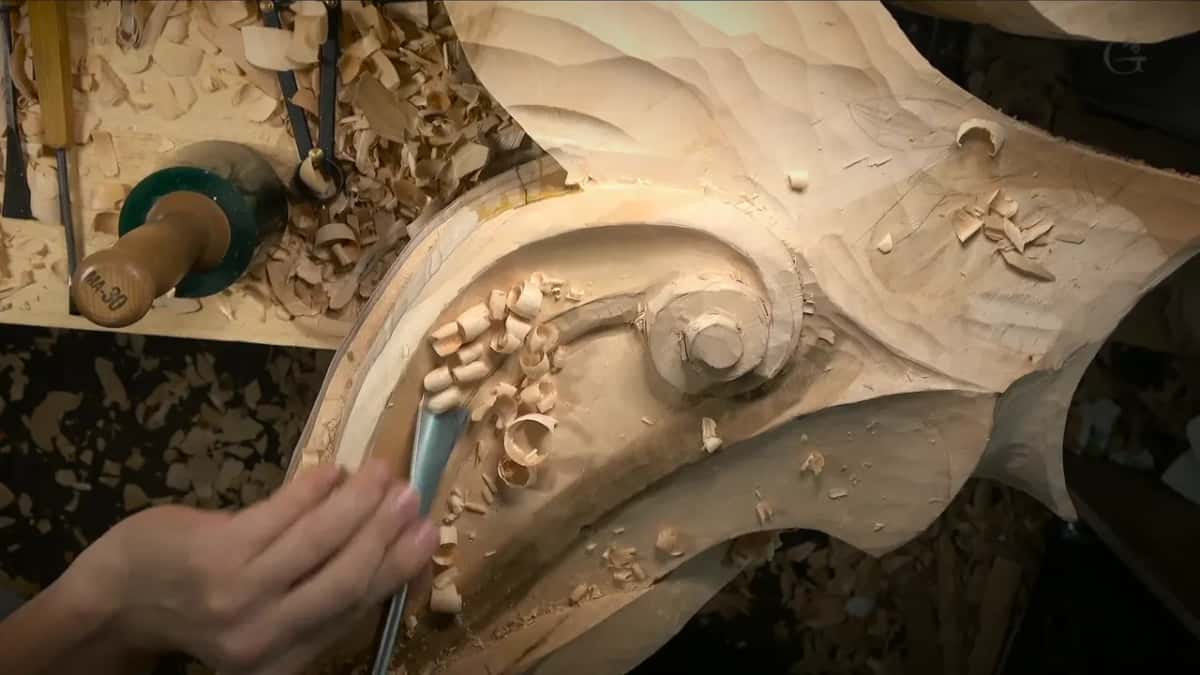
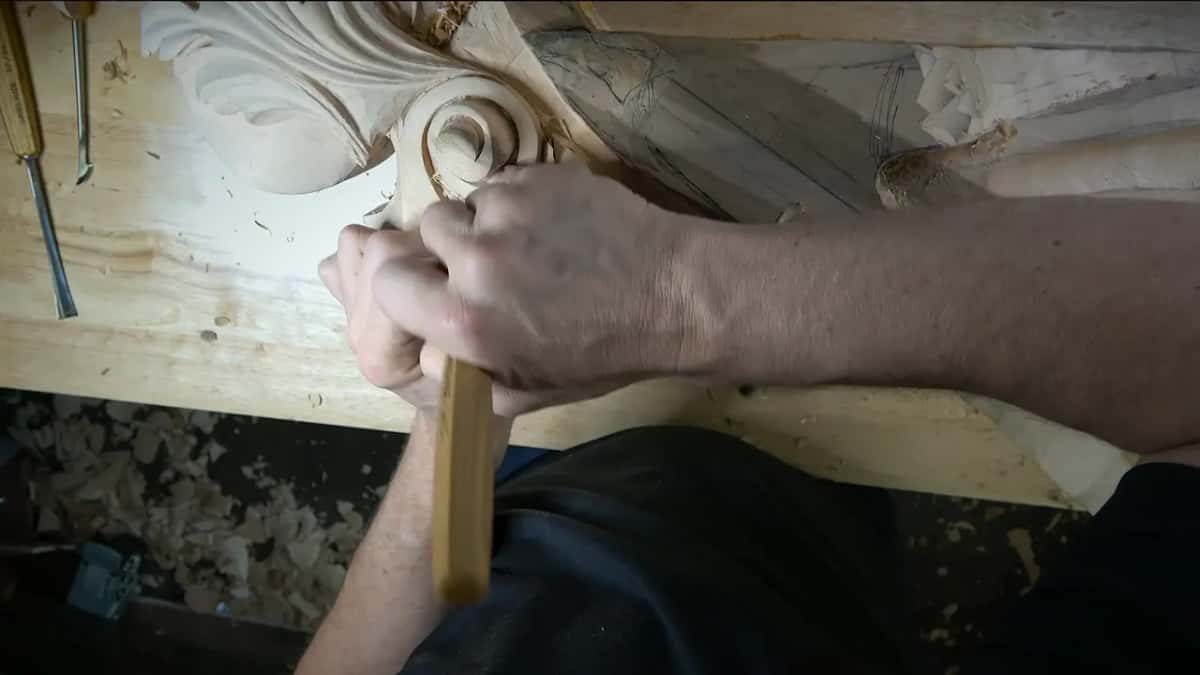
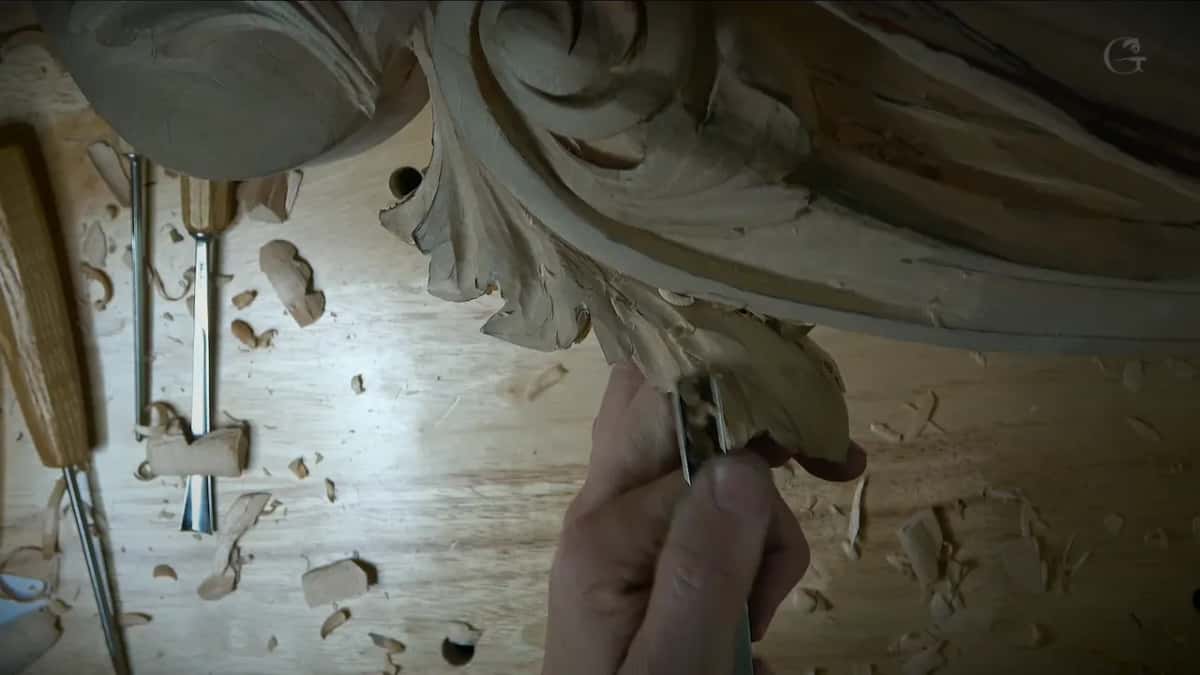
That right corbel was filmed completely, all of the details, and you'll see the whole process on that one corbel in the Venice Room course. The photos on this page come from that course, workshop 88, workshop 89, workshop 90 and workshop 95.
Why carve the left corbel without filming it again?
Same piece, flipped. The left one was going to match the clip I had just shown. There are two corbels in this project, exactly the same, one right and one left. The right one I filmed completely, and there's no reason to repeat the same videos, because it's just flipped to the left side.
Someone asked whether the piece on my bench would be left out of the school videos, and I said that wasn't correct. On one corbel you get the whole process. Filming for the school takes a long time. You get all the equipment out, you check all the sound, and I lose a lot of time on it. Then every video has to be edited and posted, and by then there were over 2,500 of them on the school site. New ones went up every week. Back then I was also doing the captions pretty much by hand, because I have an accent and the automatic captioning doesn't work 100% for me. I keep my accent. I kind of like it.
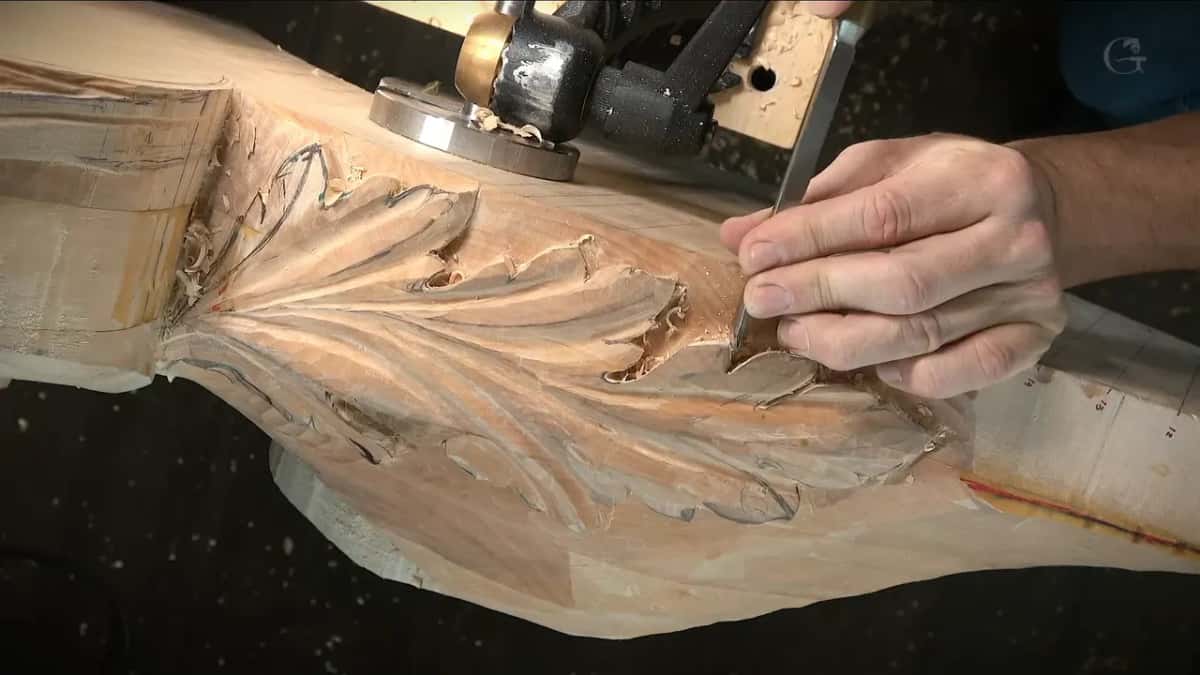
At the start of that stream I said we had added some more changes and some more details, and that it was taking a little longer than I expected. While I talked, my hands were in deep undercutting on the left corbel, and members of my school had emailed asking how I do it. That work has pages of its own.
One viewer asked in Russian about my hair. I took a tradition from hockey players: no haircut until they finish. It was not even my longest, I told them. On the lion head project it got a lot longer.
What was still left on the room?
Plenty. Once the second corbel was done, I would fit both pieces on the main body. Columns were still to do, and a lot of different details, or parts, I should say.
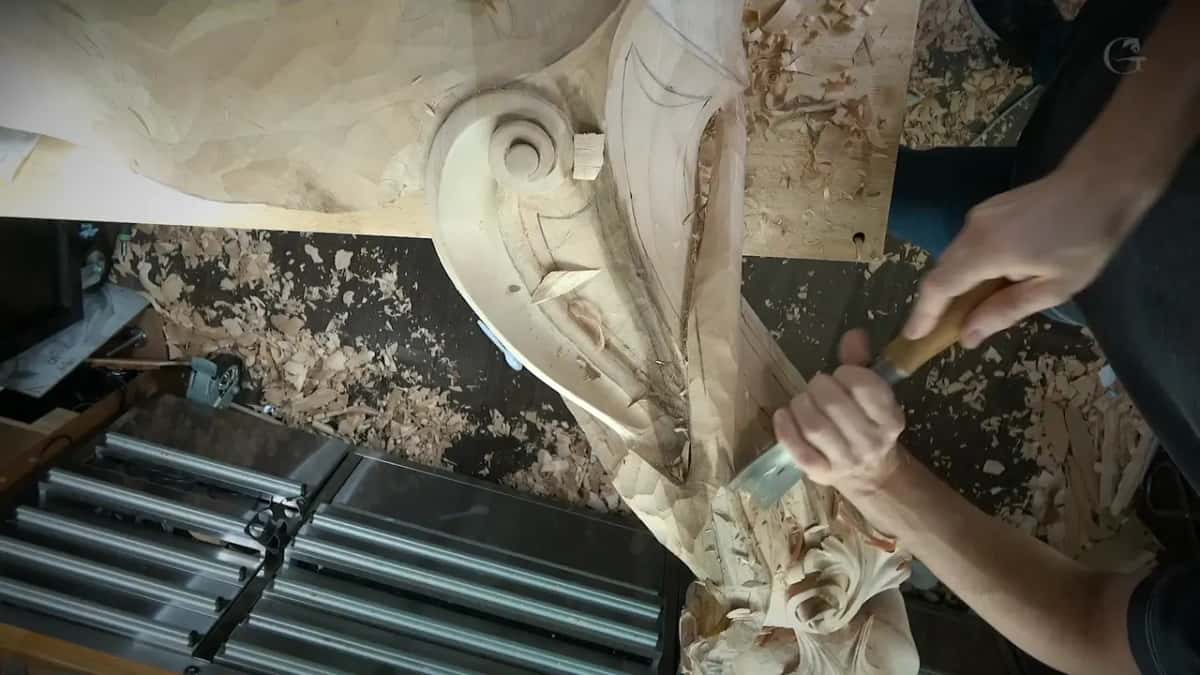
After the corbels there were two walls to go, with really beautiful designs, flowers and so on, on each side of the room. Those I planned to film once as well, one of the two for the school.
Do I design my own carvings?
Pretty much all of them. A viewer wrote that design is the important thing, and called me an even better designer than carver. Whether I'm the better designer, I don't know. Yes, I have to design all of my wood carving, pretty much myself. There are a lot of talented people out there, though, and lots who can do what I do.
The school is based on real life projects, for customers, with a few made just for the school. You watch me carve and I explain what tools I'm using. In 2021 I was planning more of those school projects, ones people could carve themselves, with a certificate of completion once you finish one.
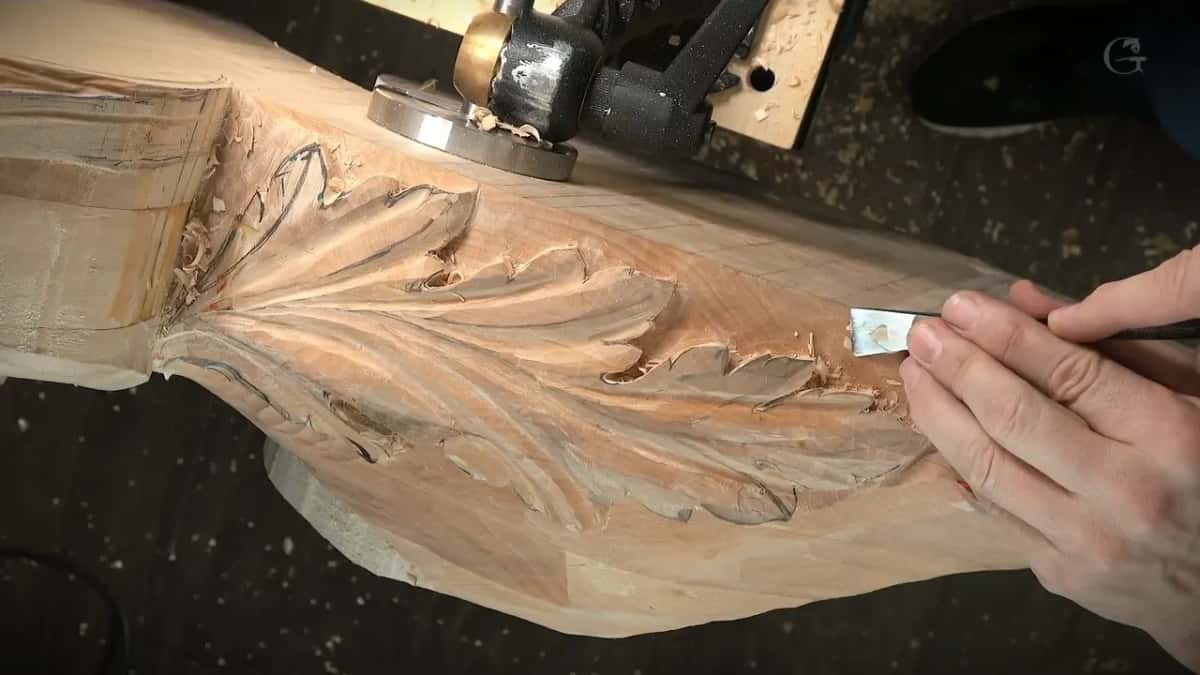
I try to stay on the classical side of wood carving, baroque, rococo and so on. And all of my projects are favorites. I spent time with all of them, I know every detail, and every mistake I made. The laws I design by have a course of their own, and the two earlier streams of that year are on the site too, April 2020 and October 2020.
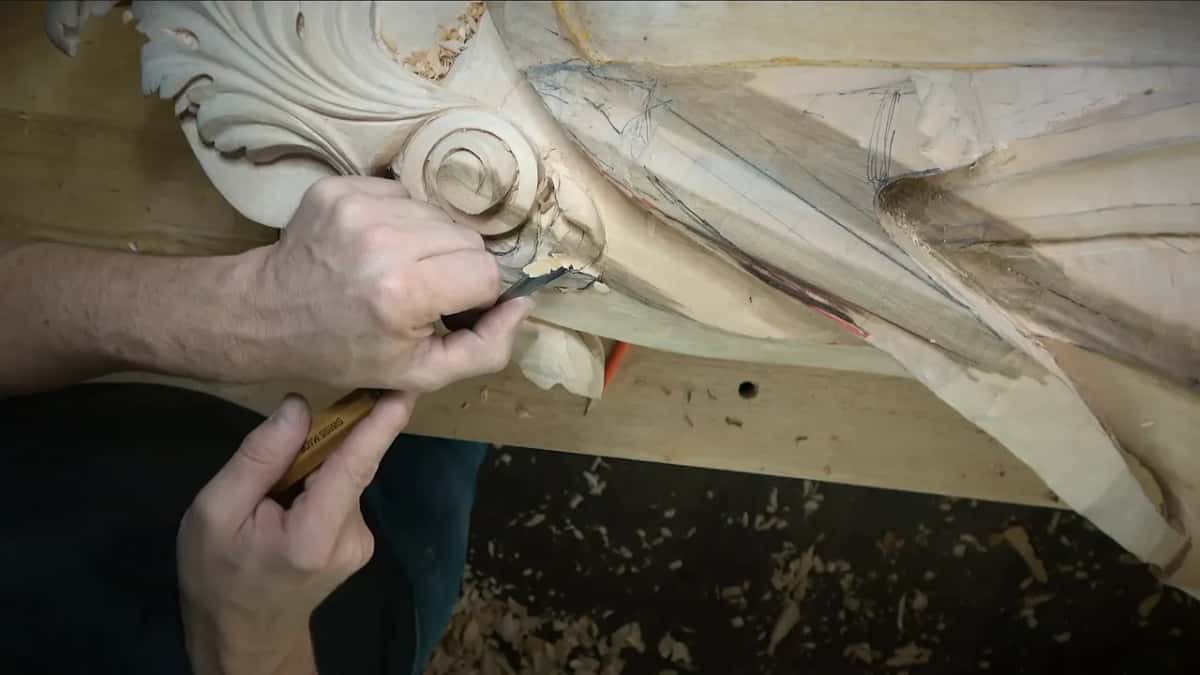
If you want to watch a whole room carved after its model, every workshop of the Venice Room is in the school, and the tuition and access page says what it takes to get in. The questions from that day sit with the rest in the livestream events course.
I asked people to tell me whether these streams were worth it, because I'm really busy, and it takes time to set everything up. When the stream ended, I said I had lots of stuff still to do on that piece, gave my blessings for Christmas and Hanukkah, and said I would keep working on it.
How it's done
- Start a small piece on paper. On a small project, paper first, or a drawing right on the block, the way some of my school videos show.
- Model the big curves in Rhino. Build the three dimensional model in Rhino 6, which works in curves, every line of it.
- Send the model to Blender. Export it as a single 3D object, the whole room if need be. Blender works on a mesh rather than curves, and it costs nothing.
- Render it in KeyShot. Mine was KeyShot 8 on that project.
- Draw the details over the render. Open the render on the iPad in Procreate and put the details on with the pencil, as you go.
- Carve it by hand. Then the gouge takes over. We still added some more changes and details on the second corbel, and it ran a little longer than I expected.
Frequently asked questions
Is Blender free for designing a carving?
Blender is free and open source, and I said so on the stream. It works on a mesh instead of curves, and I used it after Rhino, with the whole room exported into it from Rhino. Rhino, the program before it, I called paid and kind of an expensive program.
Do you need a computer to design a small carving?
Paper is where a small project starts for me. Sometimes I just draw on the piece itself, and you can see me do that in some school videos. Software came in for the big project, a whole Venetian room with its corbels.
Is SketchUp good for carving designs with curves?
SketchUp is limited there, I said, and for complicated curvatures I believe Rhino is much better. I used SketchUp before, and plenty of woodworkers like it. Rhino is buggy, but I know of nothing else that does what it does.
What to carve next